
 VideoProc Converter AI
 New AI features are available


 Listed in
 The fusion of technology and creativity has pushed AI art generation into the mainstream; but in the past year, the landscape has shifted noticeably. Major platforms have continued tightening their content policies, while discussions across communities highlight a growing curiosity about the boundaries of AI-generated content, especially around sensitive or restricted themes.
As a result, interest in NSFW AI art generators and less-restricted alternatives has continued to rise. Some users are exploring different AI models and tools to better understand how content filtering varies across platforms, while others are simply looking for more flexibility in creative expression.
In this guide, we've tested and hand-picked 11 NSFW AI art generators, focusing on their accessibility, features, and overall user experience, so you can better understand what's currently available and how these tools differ.
To give you a clearer and more practical overview, we analyzed data from platforms like SimilarWeb, Whois, and keyword research tools. Instead of just listing tools, we looked at factors such as estimated traffic, popularity trends, and platform maturity to understand how these generators perform in real-world usage.
Why Consider Using an NSFW AI Generator?
Interest in NSFW AI tools isn't just about "uncensored" output—it often comes down to flexibility, control, and specific creative needs that mainstream tools may not fully support.
- Creative Flexibility: Some users want to explore artistic themes, stylization, or character concepts that fall outside the guidelines of traditional AI generators.
- Fewer Interruptions from Filters: Strict moderation systems can sometimes block prompts that are ambiguous or artistically intended, which leads users to look for tools with fewer false positives.
- Customized Visual Output: Instead of relying on existing images or public galleries, users can generate highly specific visuals tailored to their prompts.
- Privacy & Control Generating images locally or within certain platforms can offer more control over how content is created and stored (depending on the tool).
- Faster Iteration: AI tools allow rapid experimentation with styles, compositions, and variations that would otherwise take significantly more time.
Disclaimer: This article discusses AI tools that may allow the generation of sensitive or adult-oriented content. It is intended for informational purposes only and for audiences aged 18 or older (or the legal age in your region). Users are responsible for complying with all applicable laws, platform policies, and ethical guidelines when using these tools. We do not encourage misuse or attempts to bypass content safeguards.
1. SoulGen.AI
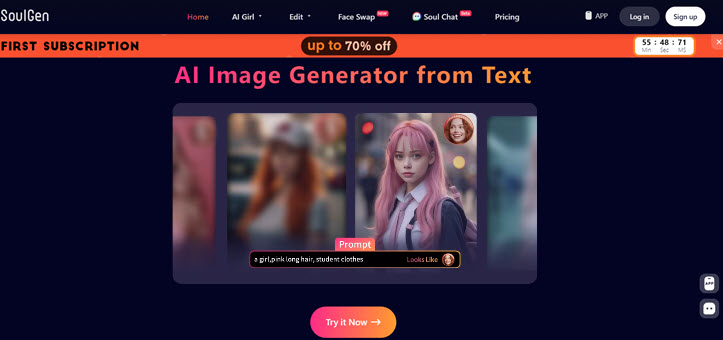
SoulGen.AI remains one of the most recognizable NSFW AI generators in 2026, especially for users who want to create consistent, character-driven visuals rather than one-off images. With simple text prompts or reference photos, you can generate realistic or anime-style characters and refine them across multiple iterations.
Compared to many basic image generators, SoulGen focuses more on character continuity and personalization. You can build a specific "AI character" and adjust appearance, poses, and styles over time, which makes it particularly appealing for storytelling or themed content creation. The platform has also expanded beyond static images, gradually introducing features that move toward short-form video and interactive experiences.
In terms of content moderation, SoulGen offers more flexibility than mainstream tools, but it still applies platform-level policies. This means users may experience fewer unnecessary prompt blocks, while still operating within defined boundaries.
Pros:
- Strong character consistency across multiple generations
- Supports both realistic and anime-style outputs
- Reference image + prompt-based customization
- Expanding into video and interactive features
Cons:
- High-quality outputs often require credits or subscription
- Less flexible for detailed regional editing compared to advanced SD tools
- Performance may vary depending on prompt complexity
2. SeaArt
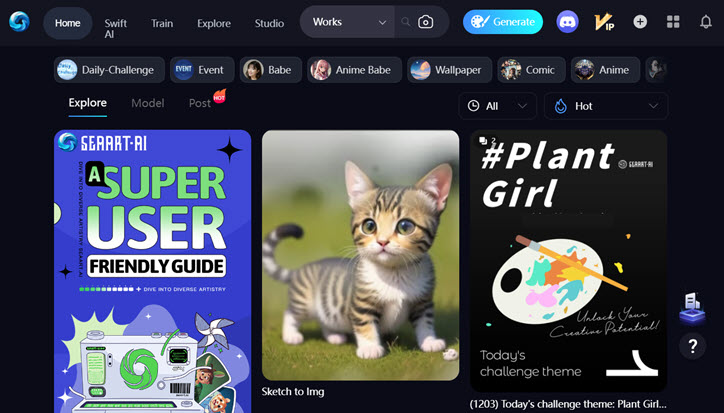
SeaArt has evolved into one of the most versatile AI art platforms in 2026, especially for users who want more control over how their images are generated. Instead of just typing a prompt and waiting for results, SeaArt offers a workflow closer to Stable Diffusion tools, with access to a wide range of community models and styles.
What makes SeaArt stand out is its combination of generation tools + community ecosystem. You can browse and reuse models, explore different visual styles, and learn from prompts shared by other users. For more advanced creation, it supports features like image-to-image generation, LoRA, and ControlNet, allowing finer control over composition, pose, and overall output.
Compared to beginner-friendly generators, SeaArt may take a bit more time to get used to. However, once you understand how to combine models and settings, it becomes a powerful option for creating more customized or stylized results—including content that may not work well on more restrictive platforms.
Pros:
- Rich model ecosystem with diverse styles and community resources
- Advanced tools like LoRA and ControlNet for fine control
- Active community for inspiration and prompt sharing
- Flexible enough for both SFW and more sensitive content (within platform policies)
Cons:
- Steeper learning curve compared to simple prompt-based tools
- Results can vary depending on model selection and settings
- Interface may feel complex for beginners
3. Mage Space
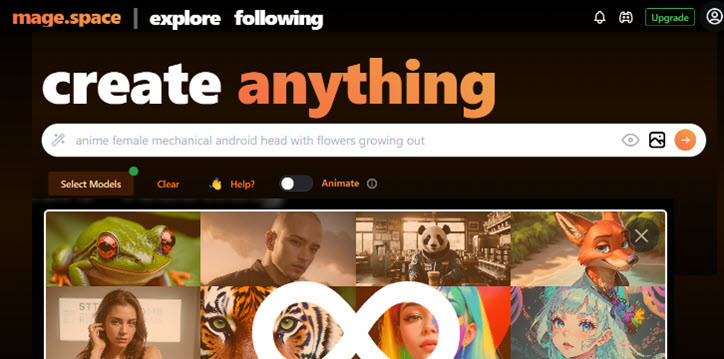
Mage Space is a Stable Diffusion-based AI image generator designed for users who want more control than typical prompt-only tools. Instead of relying on preset styles, it allows you to choose different models, tweak generation settings, and experiment with image-to-image workflows—similar to using a simplified SD interface in the browser.
Compared to more beginner-friendly platforms, Mage Space is better suited for users who are already familiar with concepts like prompts, LoRA, and model selection. This flexibility makes it a viable option for generating a wide range of styles, including content that may be harder to achieve on more heavily moderated platforms (within platform policies).
One thing to be aware of is that generated images may be public by default, as the platform leans toward a community-sharing model. If privacy matters, you’ll need to manually adjust the settings before generating content.
Pros:
- Stable Diffusion-based workflow with flexible model selection
- Supports image-to-image and LoRA-based customization
- Suitable for users who want more control over outputs
Cons:
- Less beginner-friendly compared to simple AI generators
- Output quality depends heavily on model and prompt setup
- Generation speed and consistency may vary
4. Promptchan
Platform: https://promptchan.com/
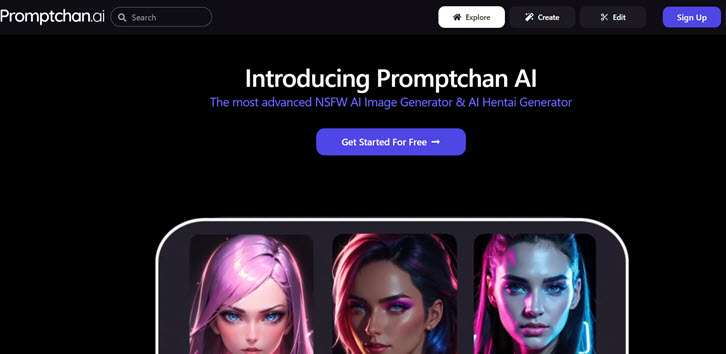
Promptchan has emerged as a prominent player in the NSFW image generation arena, focusing on providing users with a seamless and user-friendly experience. Specializing in generating diverse content, including anime, realistic portrayals, and fantasy options, Promptchan.ai offers an enticing space for those seeking high-quality, AI-generated adult content.
Its homepage showcases x-rated images and videos created by its AI image maker. Users can directly click on the image or video to check their prompt. Promptchan also supports negative prompts, allowing you to have better control over what not to include in the image.
Each output is tagged with seed number, so that users can further edit the image or clone it. It is a great way to ensure character consistency using the seed. For instance, if you want to create comics series, you will need to ensure the heroine stays the same.
Pros:
- Easy-to-use creation page.
- Features like negative prompts and presets for customization.
Cons:
- Quality issues in hyperrealistic mode.
- Minor glitches in Anime mode.
- Limited free features.
5. Tensor.art
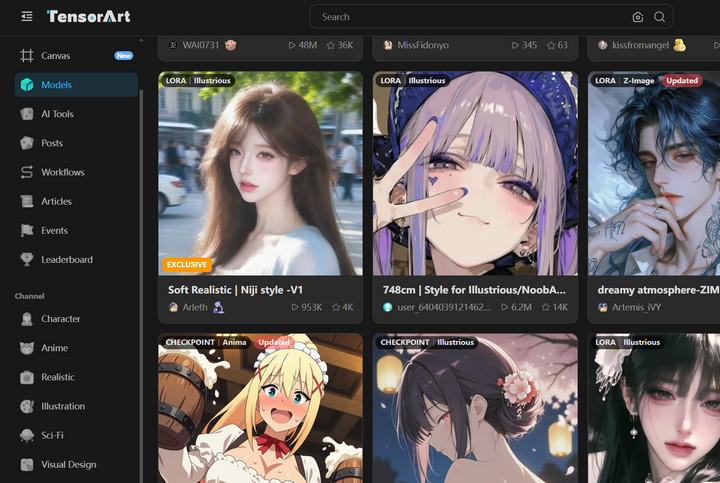
Tensor.art is a Stable Diffusion-based AI image generation platform that provides users with a flexible environment for creating high-quality visuals through text prompts and model-based workflows. Unlike simplified generators, it focuses more on customization and control, making it suitable for users who want deeper involvement in the creation process.
The platform supports a wide range of community models, including checkpoints and LoRA integrations, allowing users to explore different styles and visual outputs. Its workflow is similar to other advanced Stable Diffusion interfaces, where prompt engineering and model selection play a key role in the final results.
Compared to lightweight AI art tools, Tensor.art is more powerful and feature-rich, but it also requires a slightly higher learning curve. It is better suited for users who are already familiar with AI image generation concepts and want more control over style, composition, and output consistency.
Pros:
- Strong Stable Diffusion ecosystem with model and LoRA support
- High level of customization for advanced users
- Active community with shared models and workflows
Cons:
- Steeper learning curve compared to beginner-friendly tools
- Requires understanding of prompts and model selection for best results
- Interface may feel complex for casual users
6. PixAI
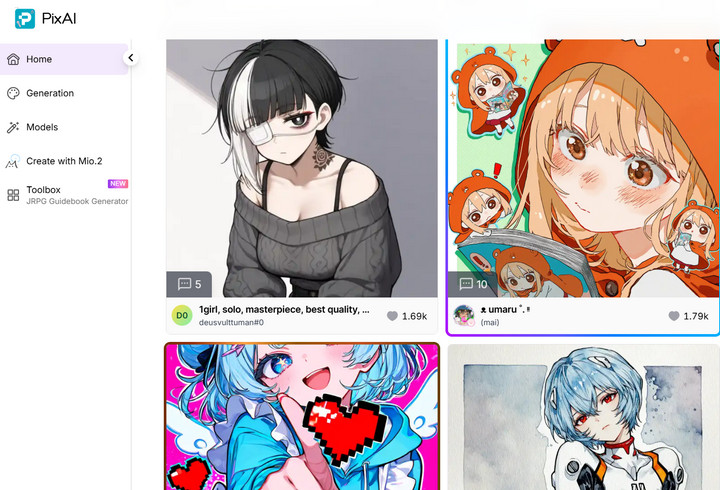
PixAI is an AI image generation platform that focuses heavily on anime-style artwork, offering users a Stable Diffusion-based environment to create character-driven visuals through text prompts. It is especially popular among users who want stylized illustrations with strong control over character appearance and artistic style.
The platform provides access to a wide range of community models and LoRA-based enhancements, allowing users to fine-tune character designs, poses, and visual aesthetics. Its workflow is built around prompt engineering and model selection, making it flexible for both casual experimentation and more detailed creative work.
Compared to general-purpose AI art tools, PixAI is more specialized toward anime and character illustration. This makes it particularly useful for users interested in stylized digital art generation rather than photorealistic outputs.
Pros:
- Strong focus on anime-style AI image generation
- Supports community models and LoRA customization
- Good balance between ease of use and creative control
Cons:
- Less suitable for photorealistic or non-anime styles
- Advanced features may require learning prompt and model usage
- Output quality can vary depending on selected models
High-Quality NSFW AI Art: How to Achieve Max Resolution
Below is the comparison of the source NSFW AI art vs upscaled images.
Due to heavy GPU rendering, Many NSFW AI art generators impose resolution restrictions. You will only end up with around 1K or 2K resolutions, or 1MP to 4MP (mega pixels). That's not enough for 300DPI high-quality printing, or 4K/8K UHD displaying.
Don't worry, here is a dedicated AI upscaler tool to boost the resolution – up to 8K and 10K –(100MP/10000x10000pixels!) with great details kept. The AI upscaler we used here is VideoProc Converter AI, it is baked in with the Super Resolution tool to upscale images and videos.
Download VideoProc Converter AI and upscale your NSFW AI Art to 8K/10K with clear details!

Step 1. Free download, install and launch VideoProc Converter AI.
Step 2. Go to the Super Resolution panel.

Step 3. Import your NSFW AI art, and set the upscaling parameters.
- You can upscale the images by 2X, 3X, 4X, or re-import upscaled images to repeat the process. You can achieve 8K and even 10K resolutions.
- For NSFW AI art that resembles 3D, photo realistic styles, use the Realistic type. For manga, comics, and other 2D art, use the Anime type.
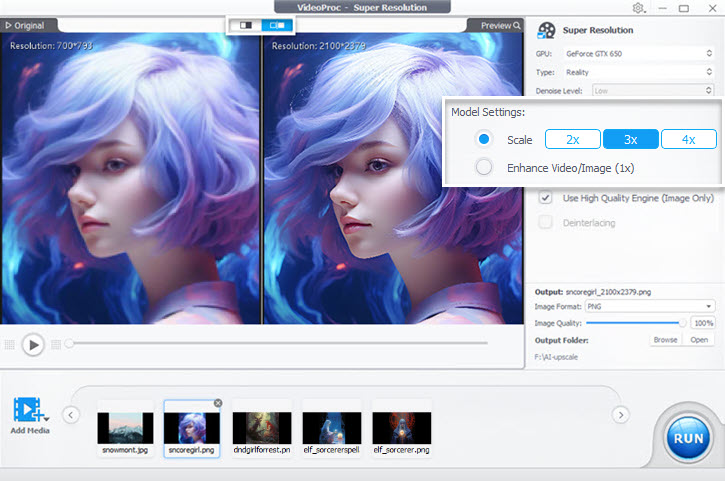
Step 4. Choose the output format and hit Run to export the upscaled images.
Advanced Users: Running Stable Diffusion Locally for Full Control
For advanced or tech-savvy users seeking complete control and freedom in their image generation, installing Stable Diffusion directly onto their personal computer is the optimal approach.
Running it locally removes external filters and censorship, limited only by the user's hardware, and grants access to a vast array of thousands of custom models for unparalleled creative flexibility.
How to Use NSFW Models in Stable Diffusion:
Step 1. Follow details steps here to install Stable Diffusion locally (the Automatic1111 WebUI version from Github), which is uncensored.
Step 2. Download desired model checkpoint files (.ckpt or .safetensors).
Once you have deployed Stable Diffusion locally, you can download many models for SD. For instance, Waifu Diffusion is recommended by many redditors to create explicit images. You can visit the huggingface page that hosts the Waifu Diffusion model for SD.
1) Visit here: https://huggingface.co/hakurei/waifu-diffusion-v1-4
2) Download the chockpoint file wd-1-4-anime_e1.ckpt
3) Copy the Waifu Duffusion model to the directory of your Stable Diffusion Automatc1111 folder: [Your drive]/stable-diffusion-webui/models/Stable-diffusion
Step 3. Place models in the [Your drive]/stable-diffusion-webui/models/Stable-diffusion directory.
Step 4. Select the model within the WebUI.
FAQs about NSFW AI Generators
1. Are NSFW AI Generators Legal?
Generally, yes, creating AI-generated NSFW content for personal use is legal in most places, provided it doesn't depict illegal acts (like CSAM) or violate copyright (e.g., using specific celebrity likenesses without permission). Always check the terms of service of the specific tool and your local laws.
2. Is It Safe to Use These Tools?
Reputable tools prioritize user privacy (check their policies). The main safety concern is ensuring the generated content itself is legal and ethical. Avoid tools with unclear privacy policies or those that seem to encourage illegal content generation.
3. Can I Use These for Free?
Many tools offer limited free trials or daily credits (like SeaArt mentioned below). However, for unlimited generation, higher quality, or advanced features, a paid subscription is usually required. Alternatively, you can deploy Stable Diffusion locally for NSFW prompts.
4. How Good is the Image Quality?
If you are using online NSFW AI image generators, quality varies significantly between tools and the models they use. Some excel at realism, others at anime. Experimentation with prompts and settings is often needed to get the best results. Tools based on newer models like SDXL (such as Getimg.ai) often offer higher detail.
Alternatively, you can install Stable Diffusion locally, run 768px/1024px for the first pass, then use VideoProc Converter AI to batch upscale images to 4K, 8K and higher resolutions with details.



