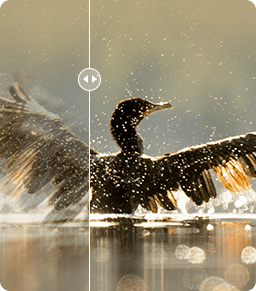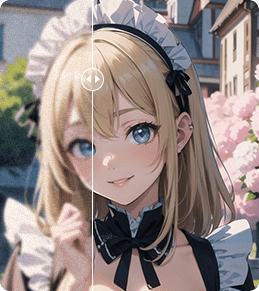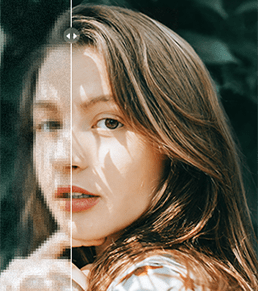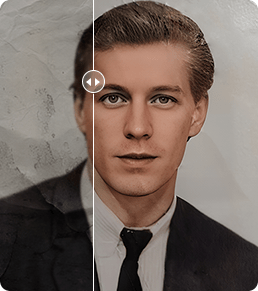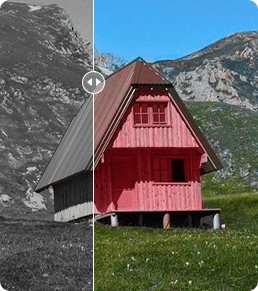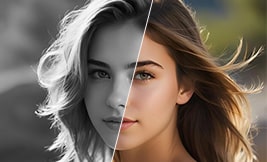
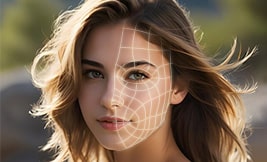

Restore out-of-focus, blurry, and low-quality faces.
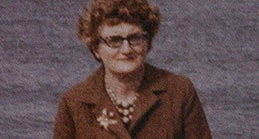
Retouch faces to stunning clarity. Relive memories.

Fix faces in noisy, grainy, blocky, and low-light images.
Restore creases and stains to smooth and clear faces.

AI-generate vivid details for eyes, lips, skins, and hair.

Restore faces, colorize and upscale images to 4K/10K in one-go.
High-Fidelity AI Face Restoration with Realistic Details



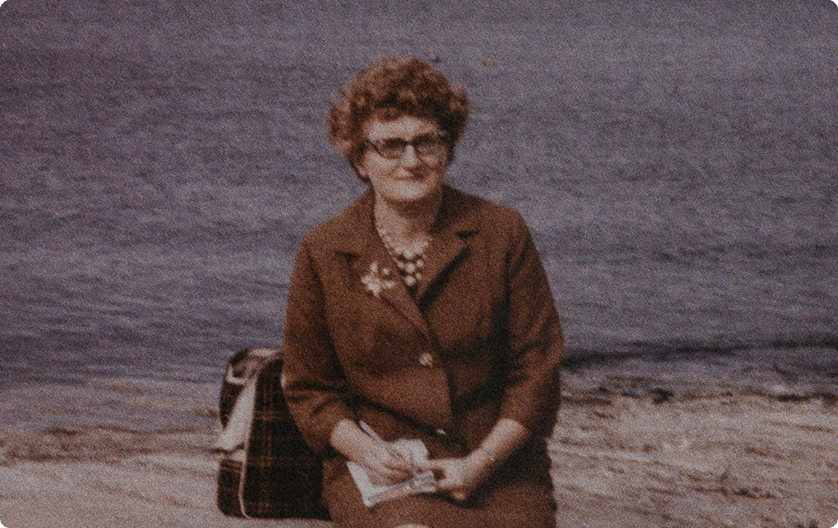
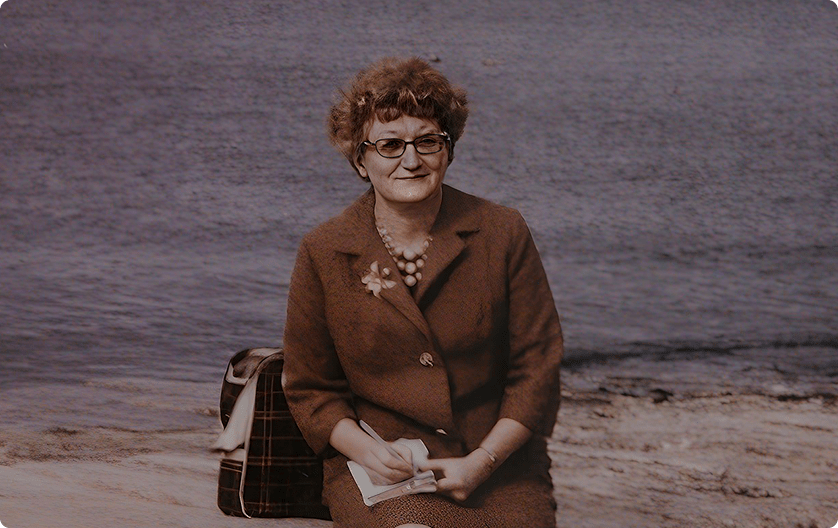


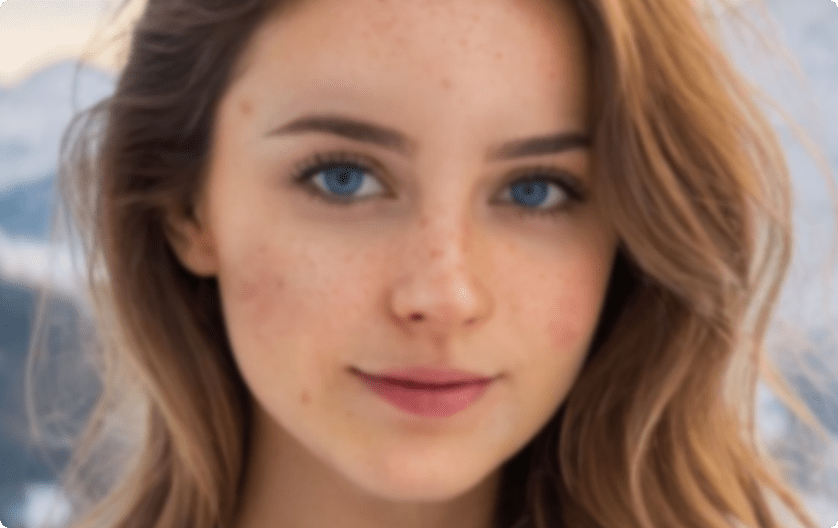
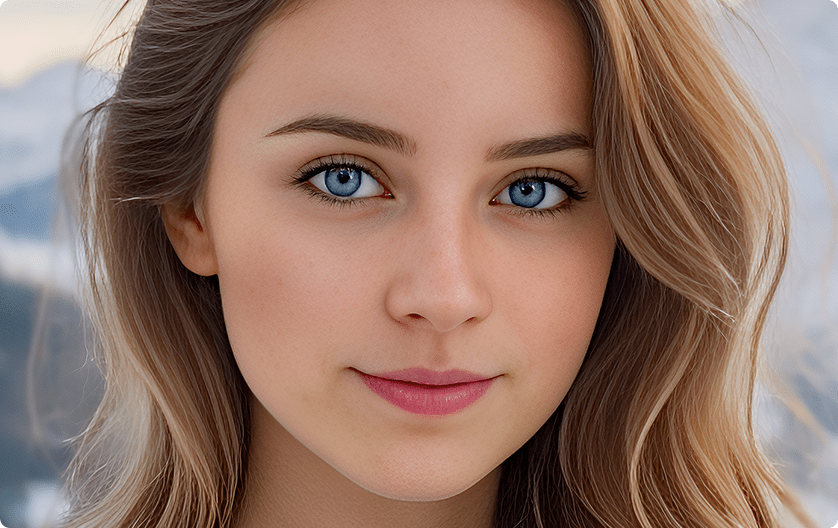

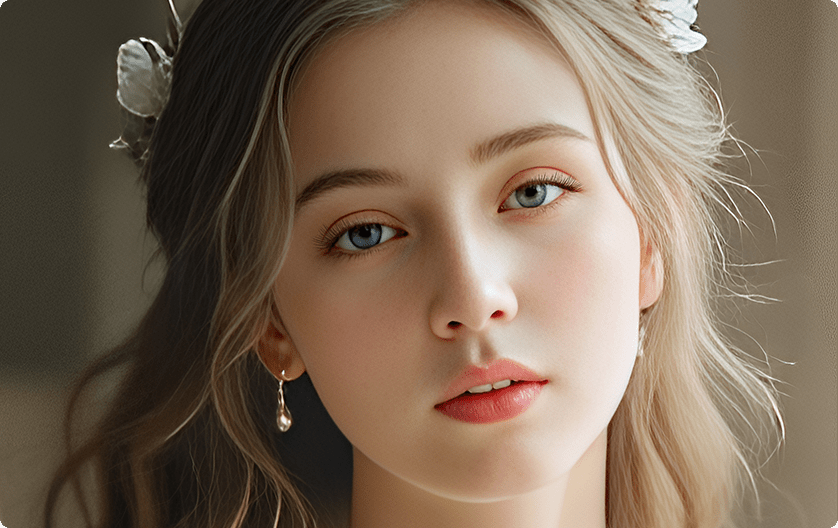
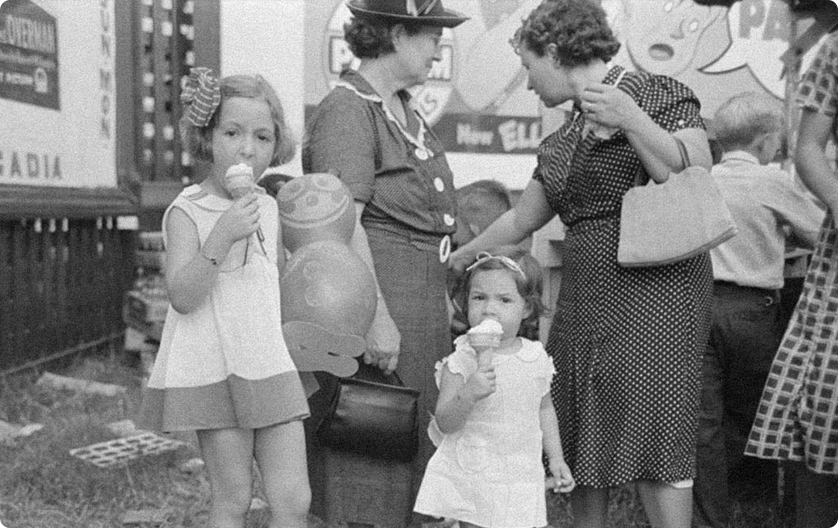

Tailored AI Models to Perfect Every Face Easily
VideoProc tailors the best results to each case-by-case face restoration scenario. With 3 AI Face Restoration models, it addresses needs ranging from natural fixes to intricate, high-fidelity preservation. You can select individual faces or all faces for retouching, ideal for group photos or portraits, with composition options for seamless, artifact-free blending.
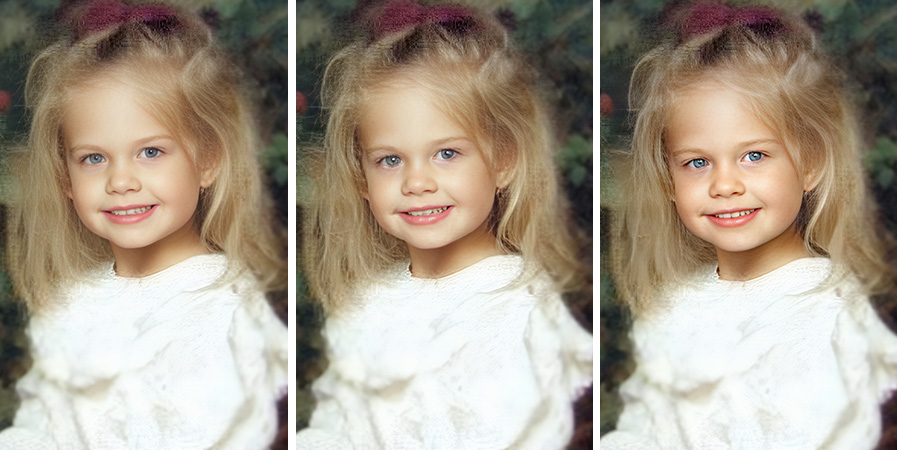
for natural balance Fidelity
for faithful preservation GFPGAN
for polished finish
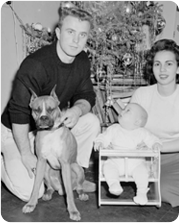
 Original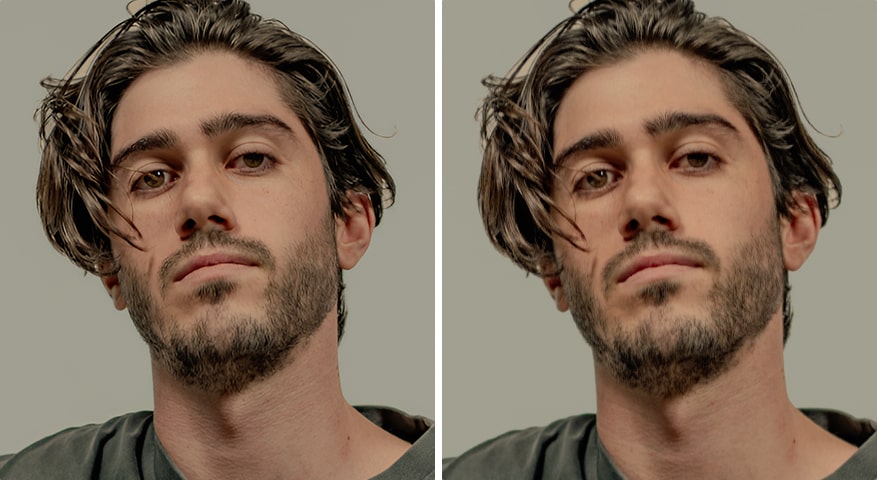
 Original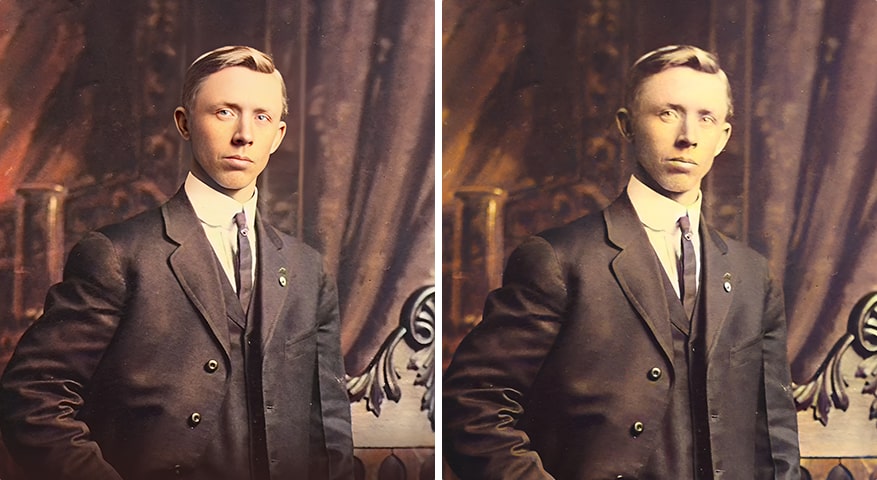
 Original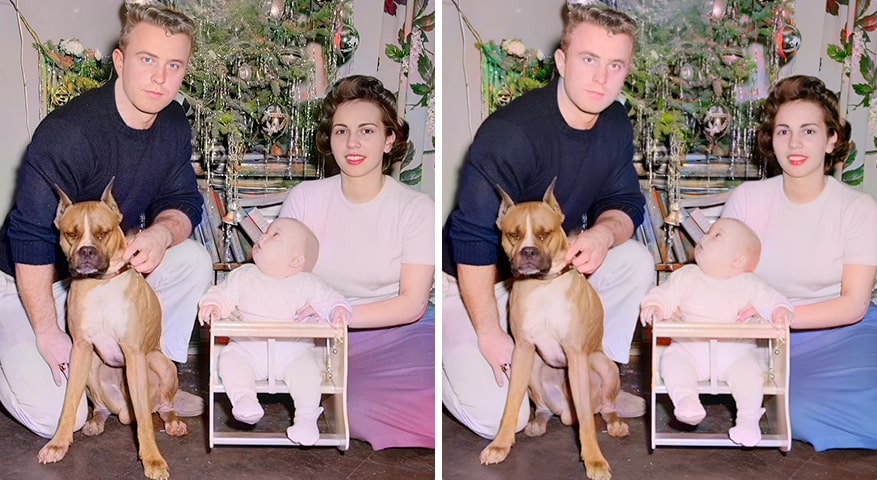
 Original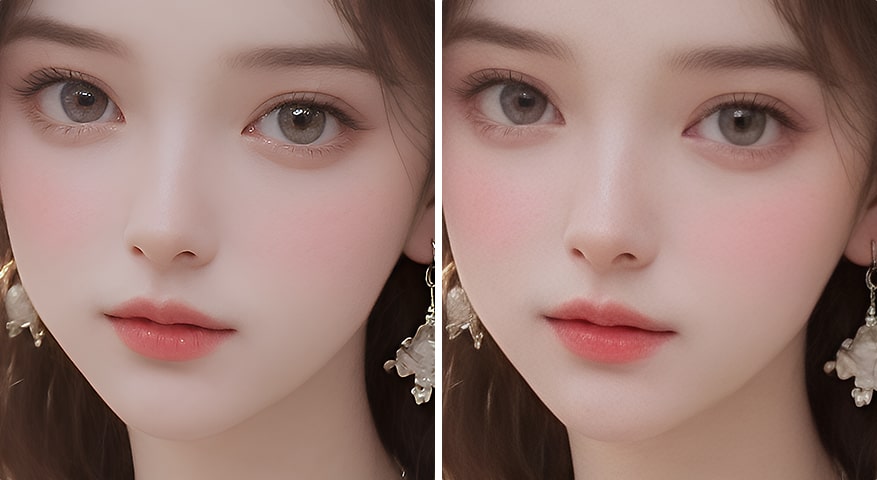
 Original
 VideoProc Converter AI – Face Restoration
- Restore with realistic details for skin, eyes, hair
- Auto fix blur, noise, blemishes, stain, and more
- Flexibly restore center, high-quality, or all faces
- Artifacts-free result with Composition options
- Seamless workflow: restore faces, colorize images, upscale and enhance media
Other Face Restoration Tools
- Loss of detail and plastic-like smoothness
- Struggle with visual flaws like noise and blur
- Uniform face treatment causes distortion
- Bring artifacts. Less-natural. No batch option
- Lacks features like upscaling, noise reduction,
colorizing, and media tools
Restore Face, Colorize and Upscale in One-Go
 Tailored AI Models
 Pixel-Perfect Restoration
 Retouch to 4K/10K Clarity
 Batch Repairing Old Pics
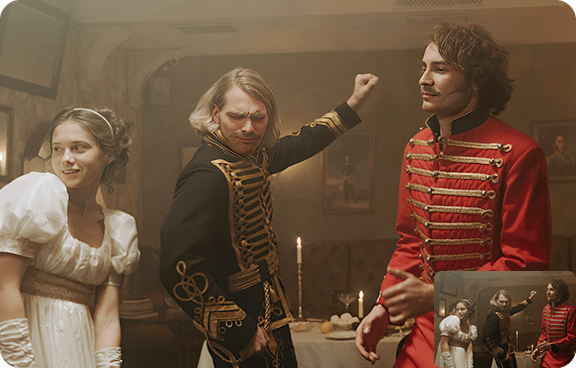
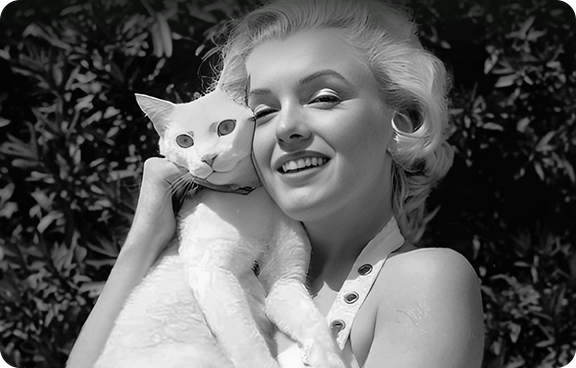
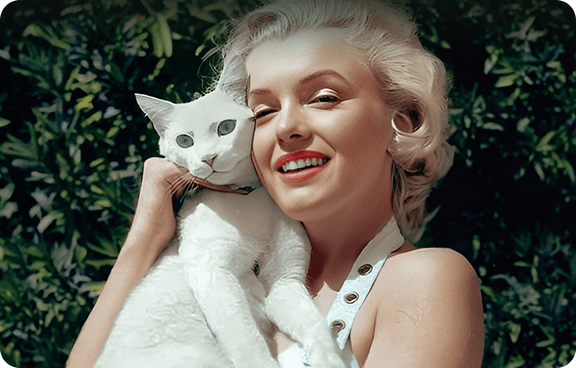

How to Restore Faces and Enhance Images in VideoProc
-
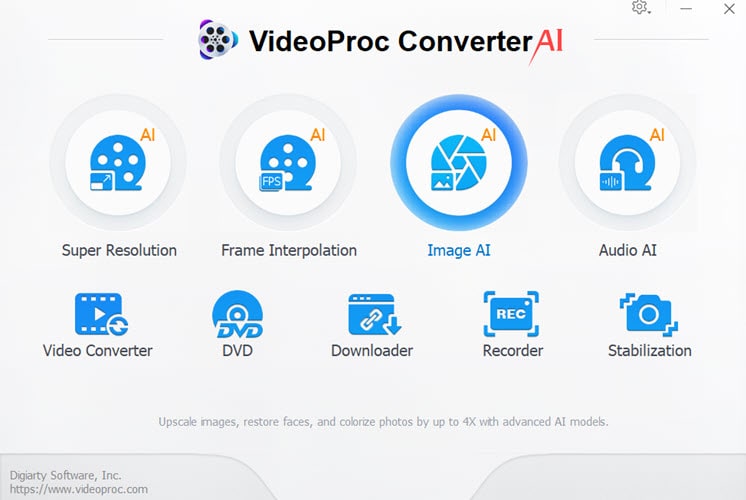
Step 1. Add Images
Go to the Image AI module. Add one or multiple photos to the working panel.
-
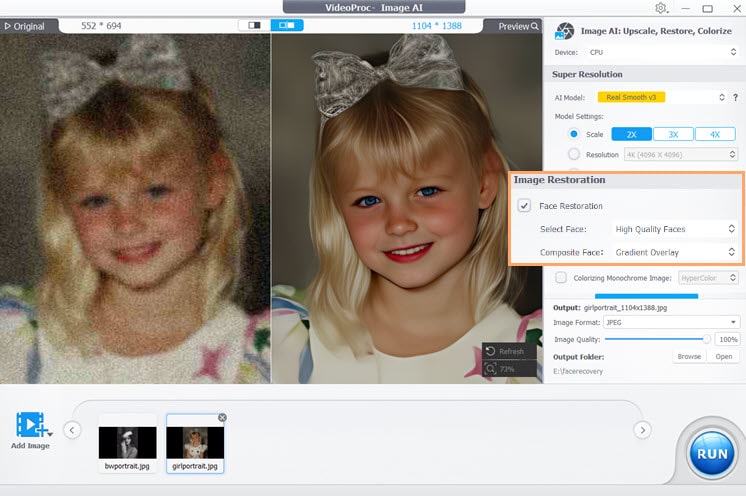
Step 2. AI Face Restoration
Pick the Face Restoration model. Choose whether you want to enhance all faces. Adjust the composition option, if needed.
-
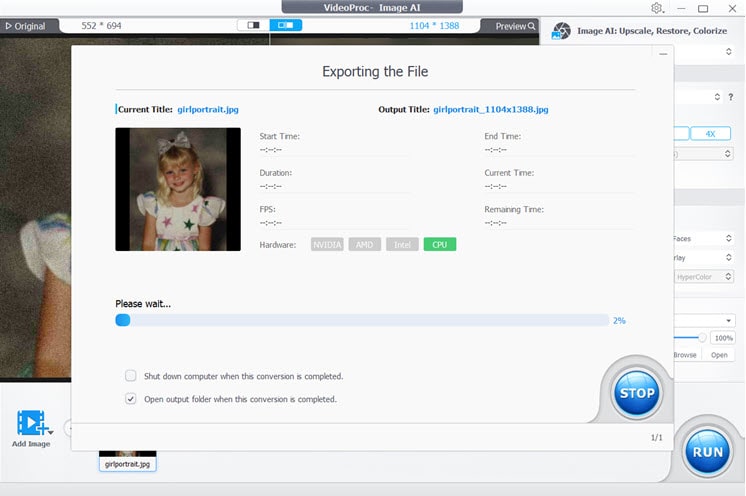
Step 3. Export
You can opt to upscale image, or use the colorizer feature. Click Run when you are satisfied with the result.