https://www.youtube.com/

Effortless, High-Quality YouTube Downloads
Enhanced & Sharable with AI

Ever find the perfect video but can’t download it, or the sound is a mess, or it’s just too low quality? VideoProc Converter AI fixes that. Grab entire playlists, save videos in the format you like, clean up the audio, and give old clips a fresh 4K glow — all without jumping between apps.

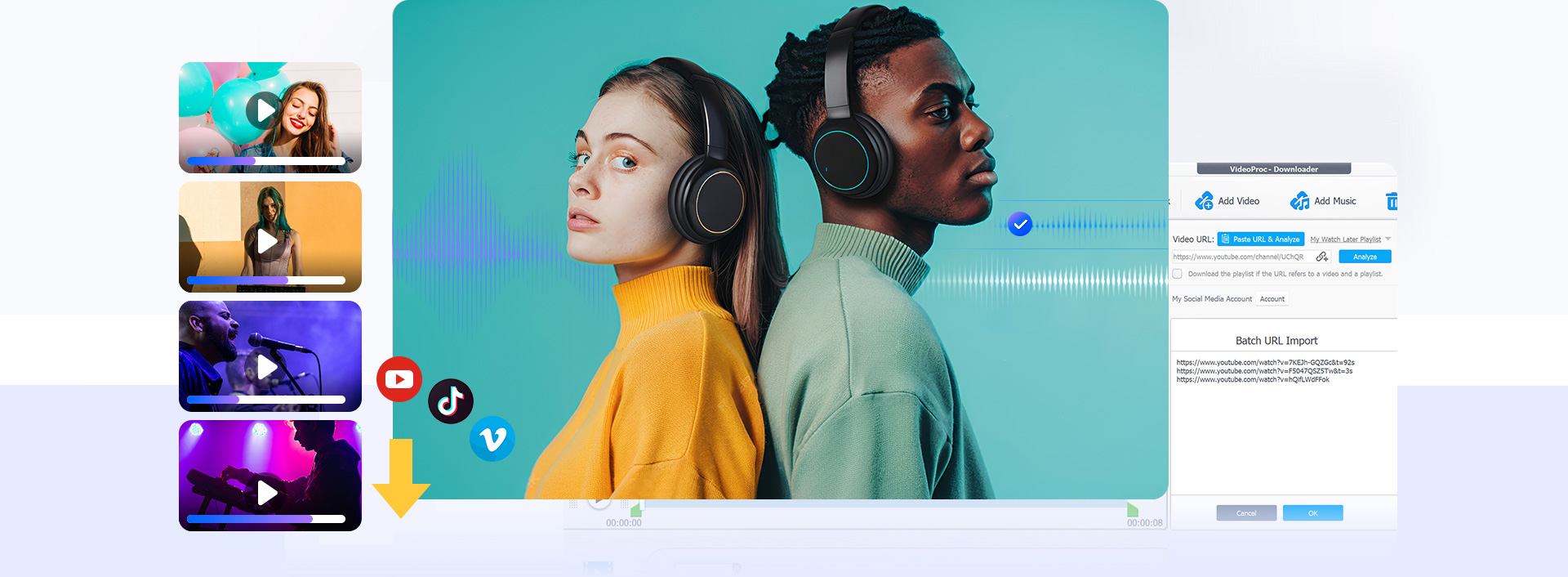
Batch Download

Tired of downloading videos one by one? Batch download entire playlists or multiple videos at once for time saving and offline viewing. Start Batch Download →

Studio-level
Quality Audio

Struggling with messy audio? Extract crisp tracks, remove vocals for remixes or karaoke, and clean up background noise for a better listening experience. Extract & Enhance Audio →

Get 4K Video

Saved low-quality videos? VideoProc Converter AI upgrades to 4K, sharpens old clips, and records gameplay at 4K 60fps. Get 4K Quality →

Transform

Convert YouTube clips into MP4 or MOV and more, solving compatibility hassles across phones, tablets, or laptops. Convert YouTube to MP4 →

1,000+ Sites

Download videos & audio from YouTube, TikTok & 1,000+ sites. Record live streams, trim, and edit. Start Now →
00:00:06
Off On
01 03
AI Audio

Remove Vocals from Any Track
Easiest Process, Perfect Sound
New Feature in V8.8

Keep Vocals
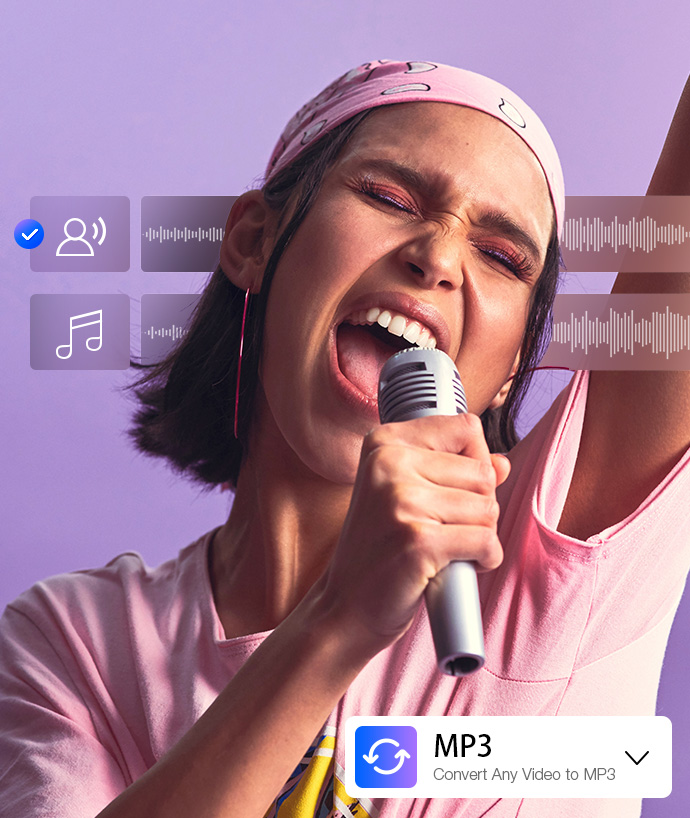
Background music too loud? The new Vocal Remover in V8.8 makes it easy to separate vocals from any track to create acapella, enhance speech for podcasts, or use them for subtitling and remixes.
Keep Instrumentals
Want to focus on the music only? You can remove vocals and keep the instrumentals for karaoke tracks, DJ remixes, or clean BGM in your videos and streams.
Import, Convert, Export
VideoProc Converter AI supports all major audio formats, allowing you to convert WAV to MP3, FLAC, Ogg, and more to save space, keep top quality, or ensure device compatibility.
Pro-Quality Results
Get crystal-clear, studio-grade audio every time. Our advanced noise suppression feature ensures your vocals, instrumentals, or full mixes sound polished.
AI Audio

Noise Reduction for
Podcaster Vlogger Musician
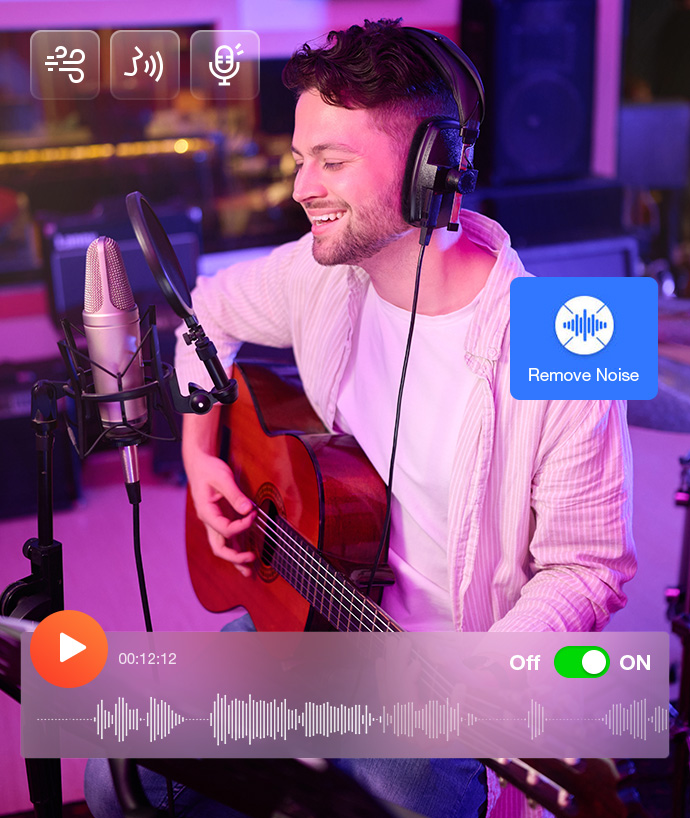
1-click AI Noise Reducer

AI Detect & Isolate
VideoProc Converter AI automatically detects and separates noise from your recordings, keeping vocals and key sounds crystal-clear—ideal for podcasts, online lectures, or video commentary.
Remove All Types of Noise
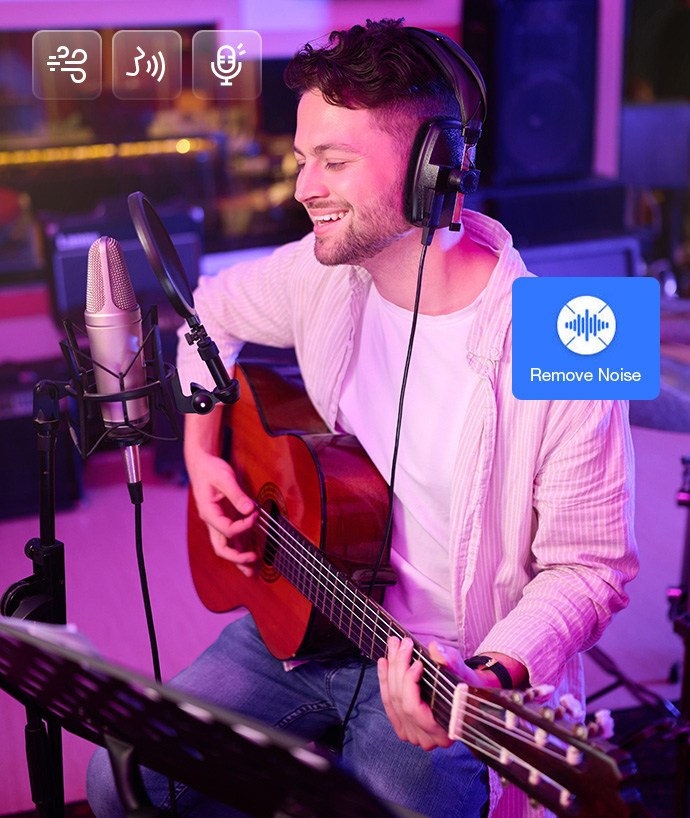
Eliminate unwanted background sounds like wind, hiss, traffic, or microphone interference, so your audio always sounds professional and polished – perfect for creators, podcasters, and video makers.
Batch Noise Removal
Working with multiple audio files or a long video project? Batch process multiple audio or video files at once, saving time while maintaining consistent, clean sound across all tracks.
High-fidelity Audio
Worried noise removal will ruin your original sound? VideoProc Converter AI preserves the original tone and quality of vocals, music, and instruments, delivering studio-level audio ready for sharing or editing.
AI Audio

AI Sound & Voice Editing
Record , Transform, Enhance
All-in-One Solution

Crystal-Clear Audio Recording
Need to capture a lecture, meeting, or interview without hassle? VideoProc Converter AI lets you record high-quality audio from your microphone, system, or online sources in just a few clicks.
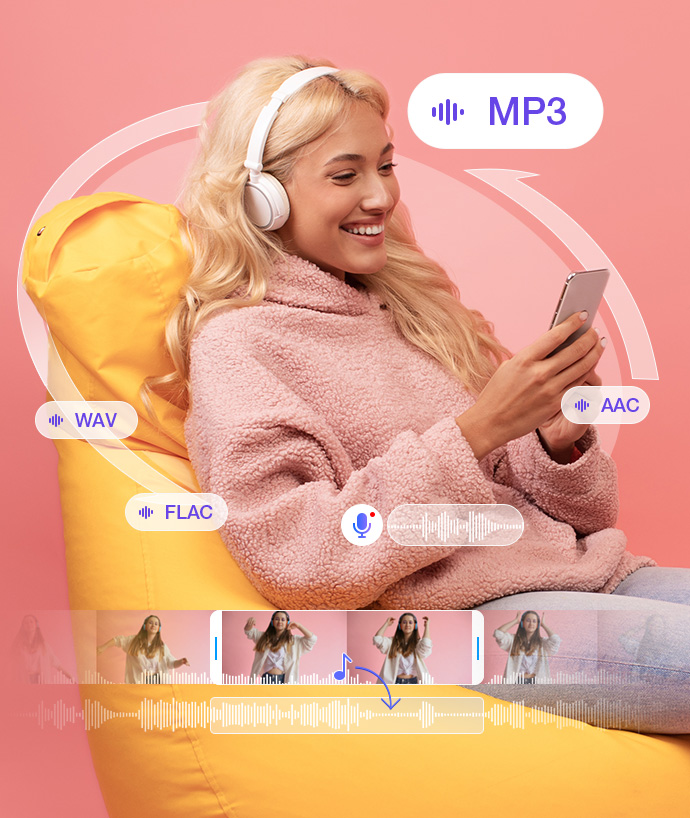
Convert Audio for Any Device or Project
Tired of incompatible audio formats slowing you down? Convert between MP3, WAV, FLAC, AAC, and more—without losing quality—so your files are ready for any project or device.
Extract Audio Effortlessly
Want only the soundtrack from a video? Easily extract audio from YouTube clips, movies, or recorded footage for editing, remixing, or personal use.
Enhance and Perfect Your Sound
Frustrated by background noise, low volume, or unclear recordings? Use Audio AI features in VideoProc Converter AI to remove noise, boost vocals, balance volume, and optimize your audio for podcasts, music tracks, or video projects.

Play, Edit & Store— All Your Media, Made Effortless

VideoProc Converter AI goes beyond downloading and enhancing your videos and audio. Process your files in one go, convert media files for smooth playback, compress videos to save storage, and unlock powerful editing tools to refine every detail. From casual watching to creative projects, VideoProc Converter AI makes your media workflow simple, seamless, and stress-free.


Play
Edit
Store

Sharpen, Upscale, Play 4K

VideoProc Converter AI converts any video to MP4 and enhances it to 4K with AI upscaling for flawless playback on 5KPlayer

  • Unblur, Restore, and Upscale to 4K videos
  • Convert & Play MP4, MOV, AVI, MKV, MP3 etc.

Edit Like a Pro

VideoProc Converter AI makes video and audio editing fast and intuitive with AI-powered enhancements, and create cinematic videos with VideoProc Vlogger

  • Trim, merge, crop, rotate, or stabilize clips
  • Record podcast, clear up noise & split vocal

Store Without Limits

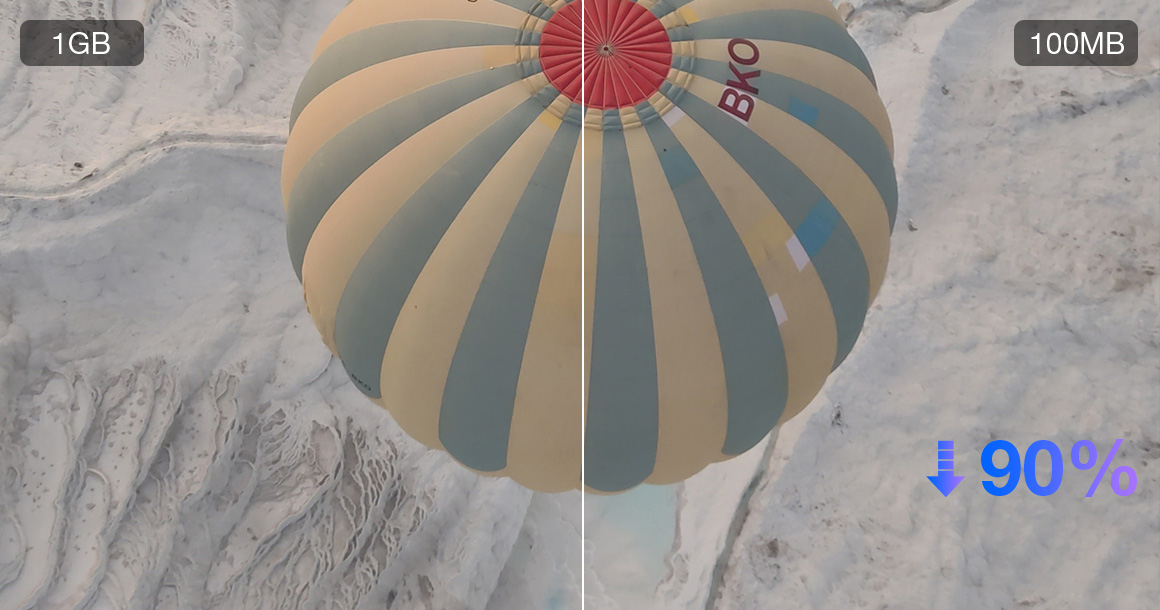
Easily save space by compressing large videos and preserve your DVDs or enhance old VHS tapes

  • Shrink 1GB videos to 100MB without losing clarity
  • Digitize, Backup, Store and upscale your DVDs

Sharpen, Upscale, Play 4K

VideoProc Converter AI converts any video to MP4 and enhances it to 4K with AI upscaling for flawless playback on 5KPlayer

  • Unblur, Restore, and Upscale to 4K videos
  • Convert & Play MP4, MOV, AVI, MKV, MP3 etc.

Edit Like a Pro

VideoProc Converter AI makes video and audio editing fast and intuitive with AI-powered enhancements.

  • Trim, merge, crop, rotate, or stabilize clips
  • Record podcast, clear up noise & split vocal

Store Without Limits

Easily save space by compressing large videos and preserve your DVDs or enhance old VHS tapes

  • Shrink 1GB videos to 100MB without losing clarity
  • Digitize, Backup, Store and upscale your DVDs

Grab Our Exclusive Specials at the Lowest Price Ever

Enjoy up to 65% OFF on VideoProc Converter AI and get free bonus gifts with your purchase! This special offer is only available for a limited time, so don’t miss your chance to save big and grab your deal today.

VideoProc Converter AI

Lifetime / 1 PC

Lifetime / 1 Mac

$39.95$89.95
  • AI integration: Enhance Videos & Images, Stabilize Footage, Interpolate Frames, Reduce Noise, Remove Vocals
  • All-in-one video toolbox: Convert, Compress, Download, Record, Edit
  • Lifetime access to full features & upgrades
  • 1-seat license. Installation on 1 computer
  • Continuous training of deep ML models
  • 30-day Money Back Guarantee
  • Gift: Image Matting 6-Month LicenseThe state-of-the-art image matting software for precise background removal and seamless blending.
  • Gift: WinOptimizer V27 Full LicenseClean, optimize, and protect Windows.
    Gift: VideoProc VloggerAn intuitive & capable video editing software.

VideoProc Converter AI

Lifetime / 3-5 PC

Lifetime / 3-5 Mac

$54.95$159.95
  • AI integration: Enhance Videos & Images, Stabilize Footage, Interpolate Frames, Reduce Noise, Remove Vocals
  • All-in-one video toolbox: Convert, Compress, Download, Record, Edit
  • Lifetime access to full features & upgrades
  • Multiple-seat license. Installation up to 5 PCs
  • Continuous training of deep ML models
  • 30-day Money Back Guarantee
  • Gift: Image Matting 6-Month LicenseThe state-of-the-art image matting software for precise background removal and seamless blending.
  • Gift: WinOptimizer V27 Full LicenseClean, optimize, and protect Windows.
    Gift: VideoProc VloggerAn intuitive & capable video editing software.

What Our Customers Are Saying

  • 19 YearsProfessional Experience
  • 180+ Countries Served
  • 4.6 Million+Users & Downloads
  • Alex R.
    I had a bunch of old, grainy clips I thought were useless, but VideoProc Converter AI brought them back to life. The videos look sharp and colorful now—I was shocked at how much detail it pulled out.

  • Michael
    Grabbing videos from YouTube used to be a hassle, but with VideoProc Converter AI it’s super easy. I can download whole playlists or channels in minutes and save them as MP4 or MP3 without extra steps.

  • Emily
    I tried the Vocal Remover to separate vocals and instrumentals, and it worked perfectly. The tracks stayed clear, and the noise remover made everything sound even cleaner. It’s been a game-changer for my music projects.

Popular questions

1. Is it legal to download videos from YouTube using VideoProc Converter AI?

Downloading videos from YouTube is subject to YouTube’s Terms of Service and copyright laws in your country. Typically, downloading videos for personal use without explicit permission from the content creator may violate YouTube’s policies and copyright laws. We recommend using this tool responsibly and only downloading videos for which you have the right to do so.

2. Does VideoProc Converter AI store or share my downloaded videos?

No. VideoProc Converter AI respects your privacy. Your downloaded videos are saved directly to your device and are not stored, cached, or shared by our service or servers at any time.

3. Is my data private when using the downloader feature?

Yes. We do not collect personal information during the downloading process. All downloads are handled promptly and privately on your device without tracking or logging your activity.

4. Is VideoProc Converter AI free to use?

We offer both free and premium features. Basic downloading capabilities are free, while advanced options and faster download speeds are available through our lifetime plans. Upgrade Now for Faster Downloads & More AI ->

5. What are the benefits of purchasing?

Enjoy free upgrade to latest version during your membership;
30-day money back guarantee;
Professional tech support within 24 hours response.
The discounted offers & bonus gifts above are applicable for our subscribers and only valid on this page.

6. What payment method do you accept?

We accept several types of payment: Credit Card, Bank/Wire Transfer, Check/Money Order, Fax, etc.

7. What is your refund policy?

Digiarty Software, Inc. provides refunds within 30 days of product purchase. We'll hold the 30-day money back guarantee if our products cannot normally work with error or bug and we cannot solve it within an acceptable period of time or provide a temporary solution. Sometimes the software doesn't work well due to improper operations. We strongly suggest you contact our support team for help first with detailed problem description. One business day reply is guaranteed.

Digiarty Software, established in 2006, pioneers multimedia innovation with AI-powered and GPU-accelerated solutions. With the mission to "Art Up Your Digital Life", Digiarty provides AI video/image enhancement, editing, conversion, and more solutions. VideoProc under Digiarty has attracted 5.2 million users from 180+ countries.

Any third-party product names and trademarks used on this website, including but not limited to Apple, are property of their respective owners.