Restore Old Photos with VideoProc Converter AI
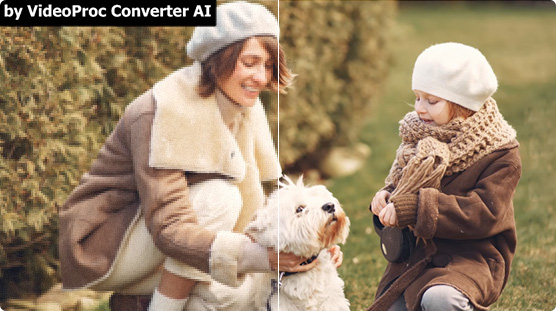
VideoProc Converter AI helps you restore old photos with greater clarity and detail. Easily repair old photos by fixing blur, reducing noise, and enhancing image quality with AI processing. Upscale images to 4K, 8K, or even 10K, making them sharper and more vivid. Ideal for restoring family portraits, preserving historical collections, or sharing high-quality memories online. Plus, restore and upscale old videos to HD/4K quality.
- One-click AI enhancement
- Multiple export formats/DPI available
- Efficient bulk processing


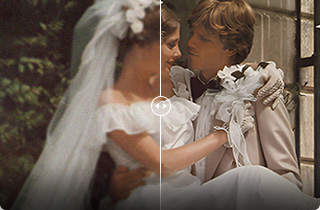
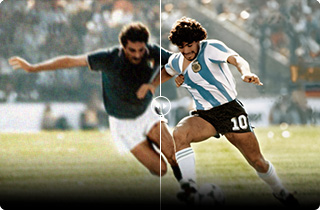
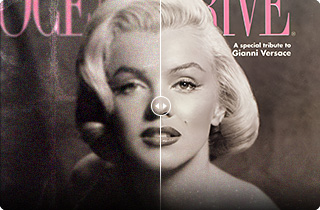
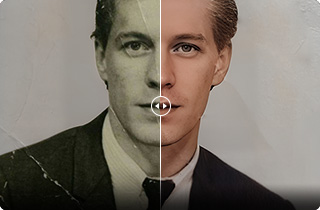
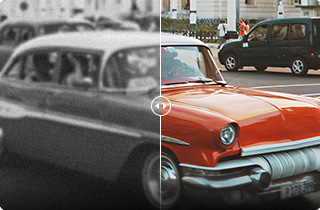
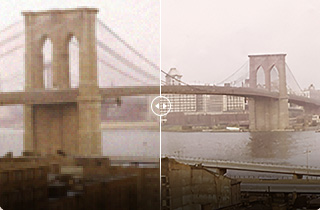
Upscale & Enhance Old Photos Like Never Before

VideoProc Converter AI helps you restore old photos with improved clarity and detail. Easily repair old photos by fixing blur, reducing noise, and enhancing image quality with AI-powered processing. Upscale images to 4K, 8K, or even 10K resolution, making them look sharper and more vivid. Ideal for restoring family portraits, preserving historical collections, or sharing high-quality memories online.
-
 Remove Noise & Grain
 -
 Unblur and Sharpen
 -
 Restore Lost Details
 -
 Upscale to 4K/8K/10K
-



VideoProc Converter AI
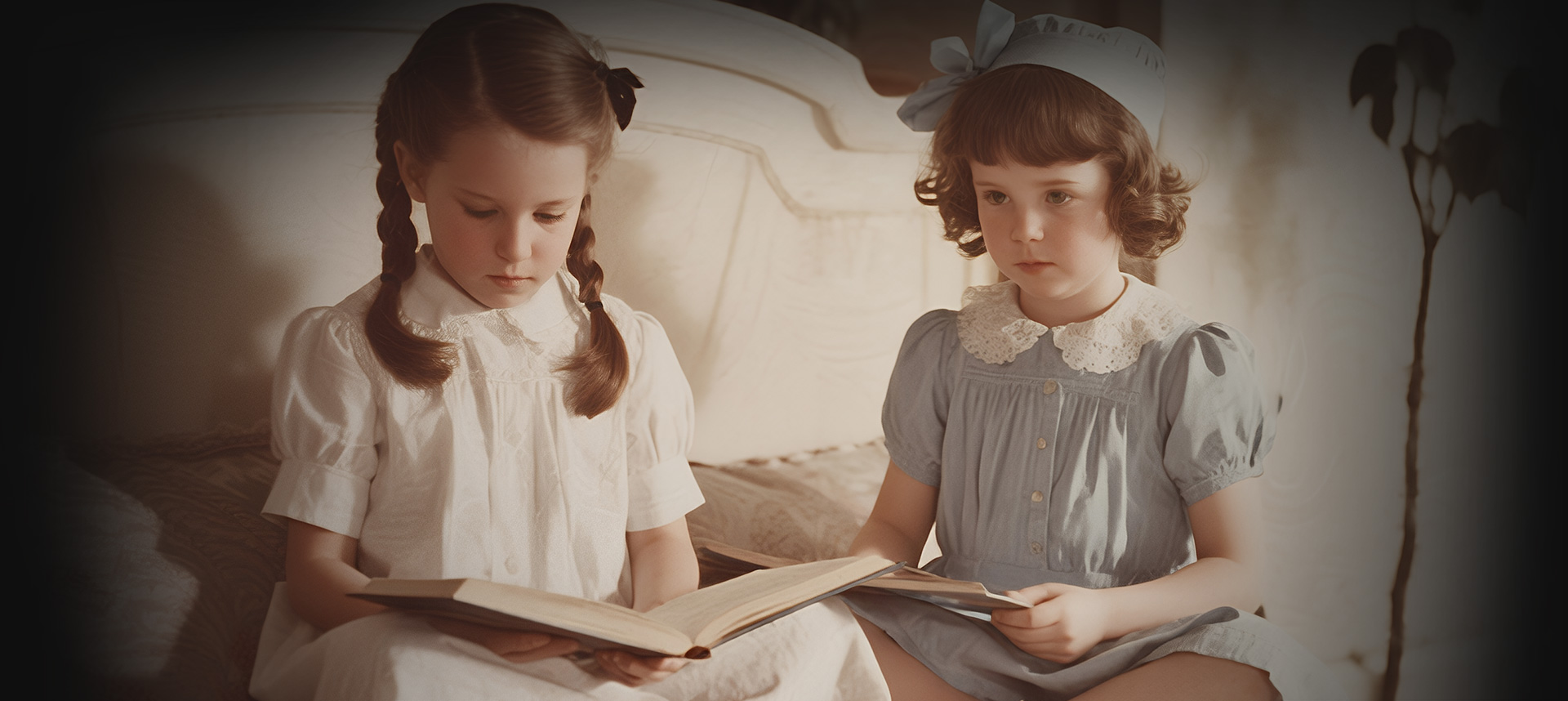
- Detect and eliminate noise intelligently while preserving the original details and textures.
- AI ModelReal Smooth v3
- Upscale4X
- Resolution8K (8192*8192)
-
VideoProc Converter AI
- Expertly rescue out-of-focus blur and general softness, making blurry old photos crystal clear.
- AI ModelGen Detail v3
- Upscale4X
- Resolution8K (8192*8192)
-


VideoProc Converter AI
- Reconstruct and enhance details, particularly for areas like hair, fur, skin, fabric, and texture.
- AI ModelGen Detail v3
- Upscale4X
- Resolution8K (8192*8192)
-
VideoProc Converter AI
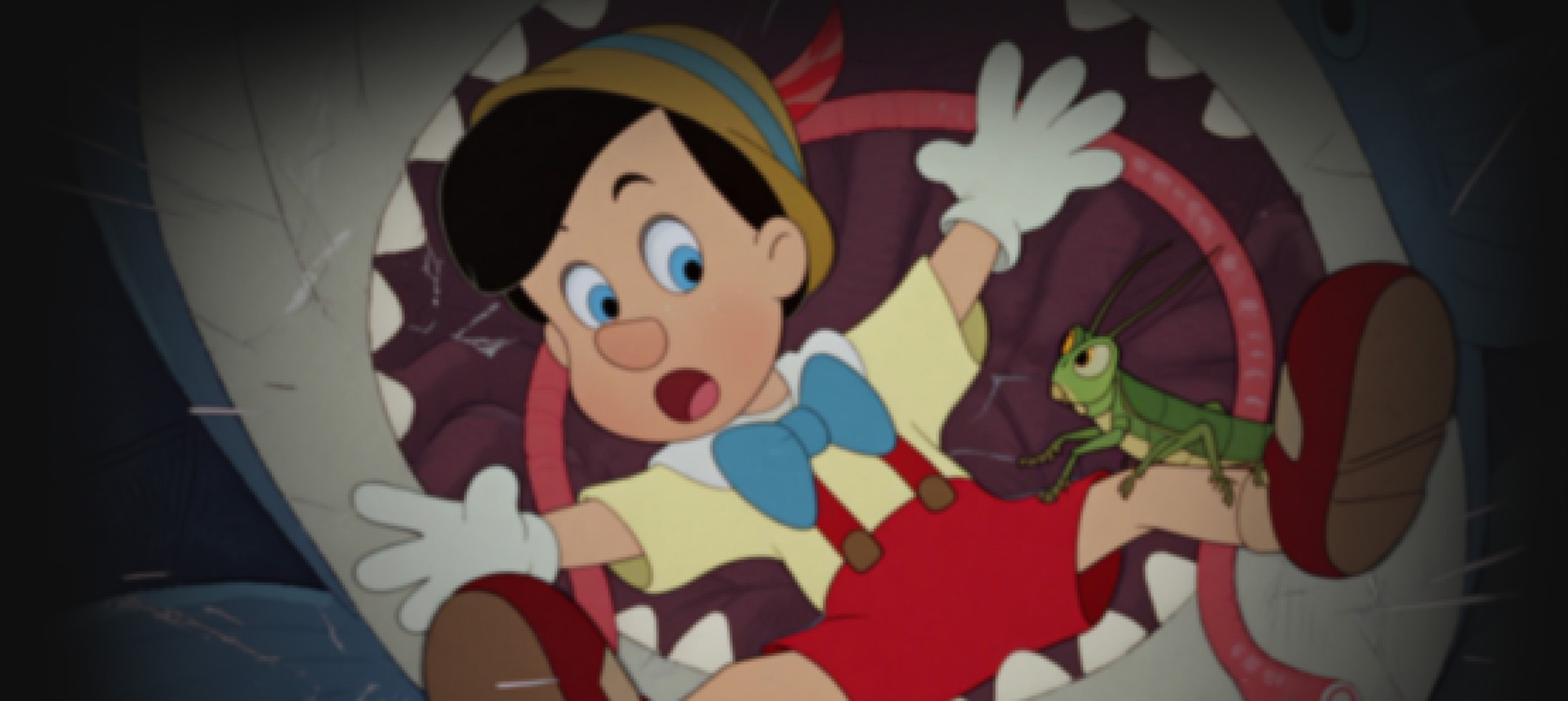
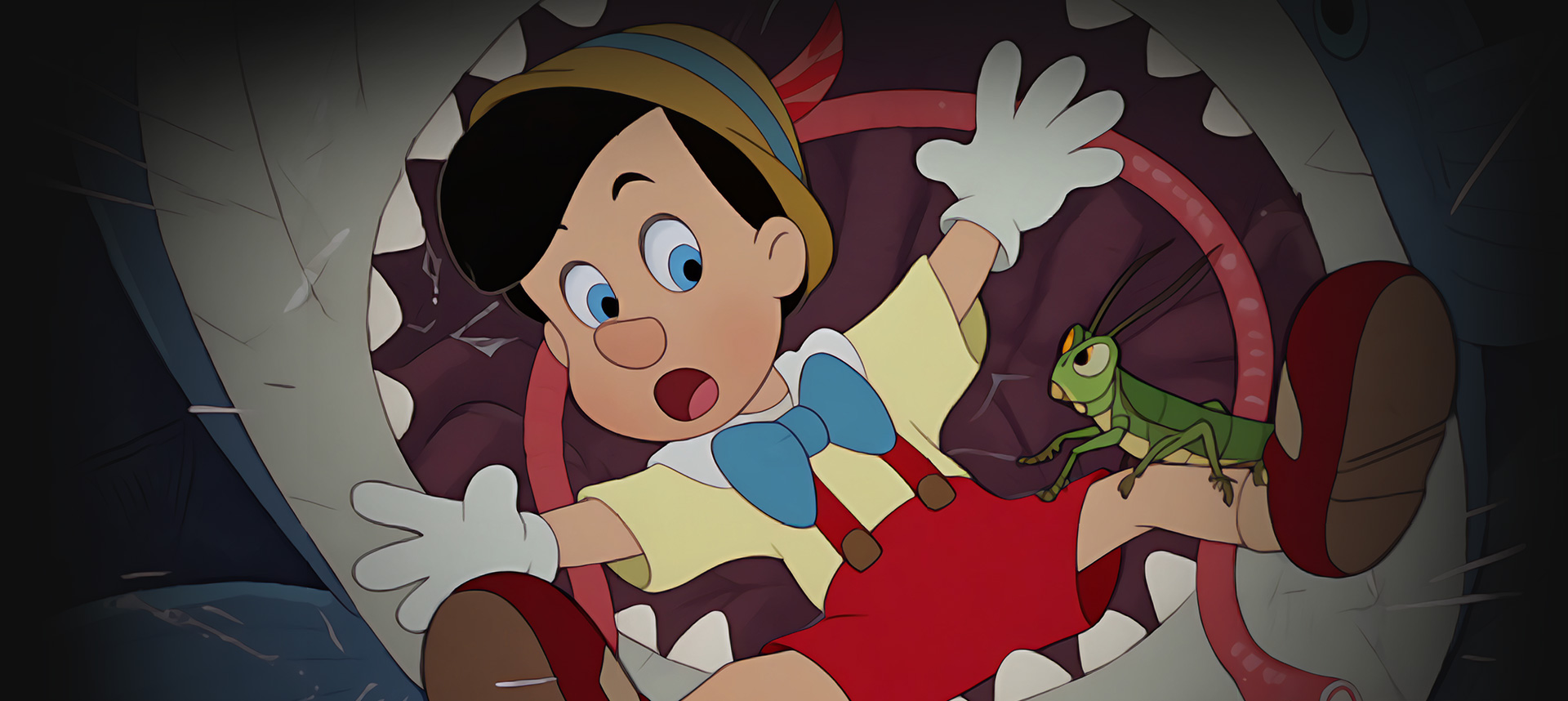
- Enlarge photos by 200%–400% to achieve crisp 4K/8K/10K output without introducing artifacts, perfect for large prints, wallpapers, etc.
- AI ModelAnime
- Upscale4X
- Resolution8K (8192*8192)
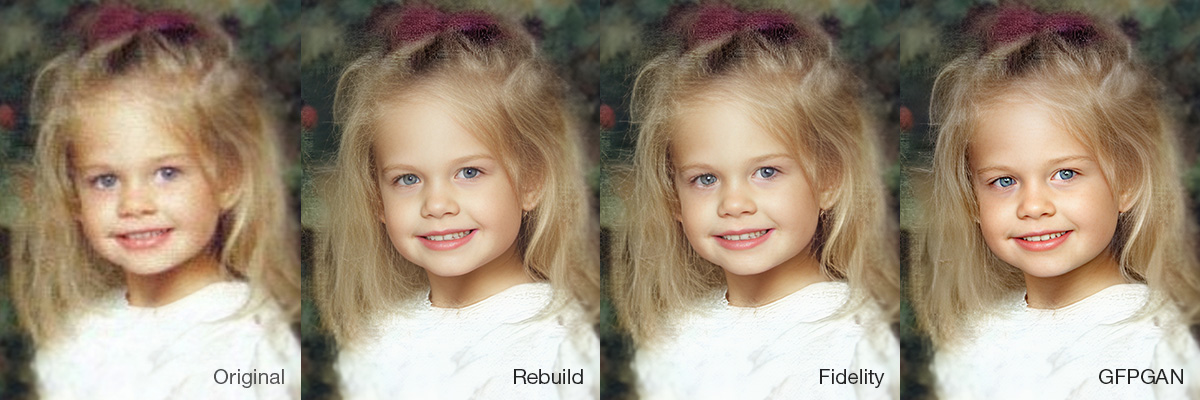
Face Restoration Restore Facial Details in Old Photos with 3 Models
Old portrait photos often suffer from blurry faces, faded features, and visible imperfections due to age or poor lighting. With VideoProc Converter AI, you can restore old photos using three AI face restoration models to recover natural skin texture, sharpen facial details, and improve overall clarity while preserving realistic results.
- Rebuild Model – Balanced restoration for most photos
- Fidelity Model – Preserve original identity
- GFPGAN Model – Polish facial features
Click here to view the comparison >
-
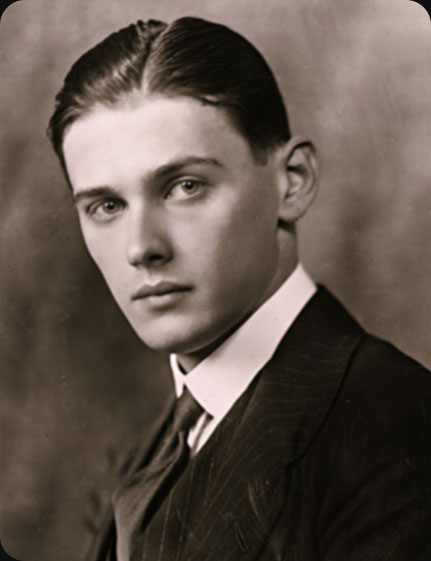
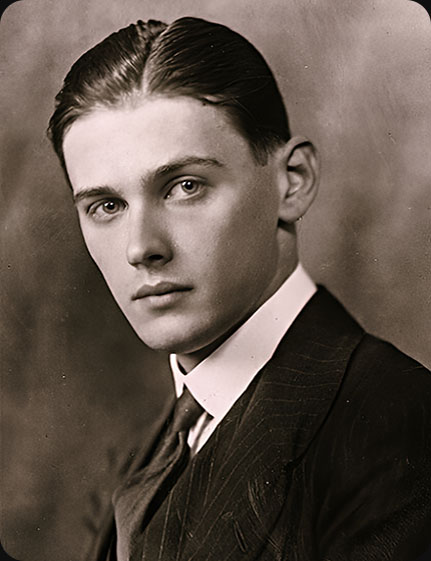
Unblur and recover details for skin, eyes, lips, teeth, and hair
-
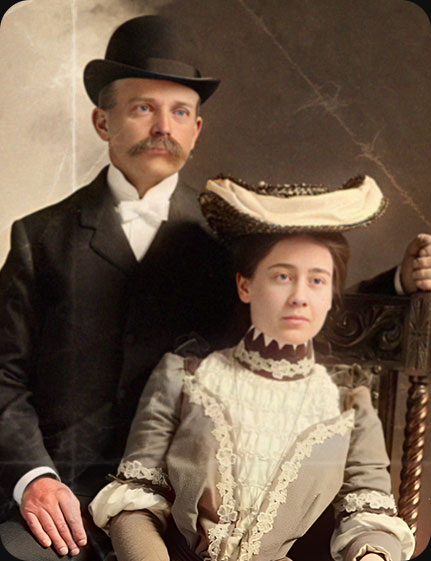
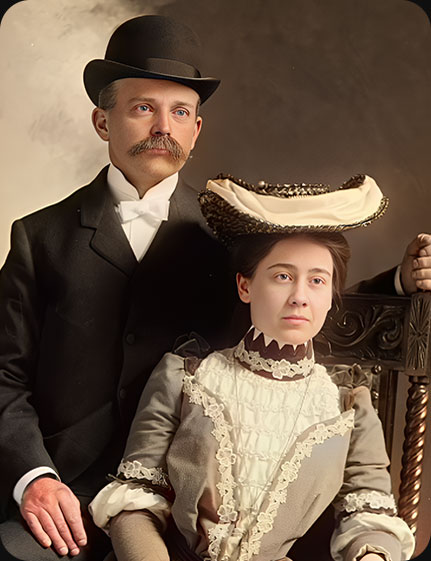
Fix some scratches, damages, and spots in old photos
-

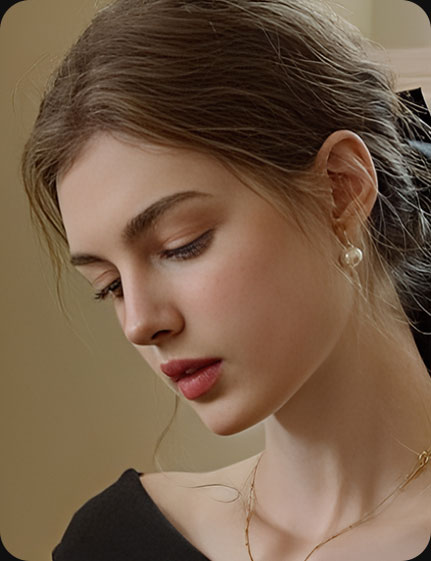
Remove acne, red eyes, moles, wrinkles, grain, redness, and more
Colorize Black-and-White Photos Instantly
Turn black-and-white, monochrome, or faded photos into vivid, lifelike images. Whether it’s a treasured family portrait, a childhood snapshot,
a historic archive, or a classic movie still, Image AI in VideoProc brings back the colors you’ve always imagined—making every memory feel alive again.
Perfect for printing, archiving, gifting, or sharing online.
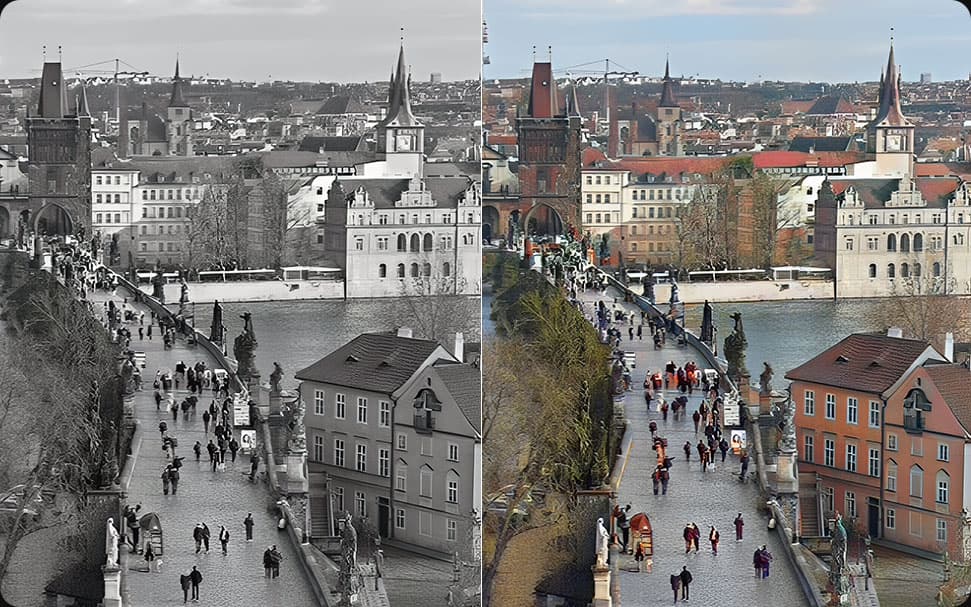
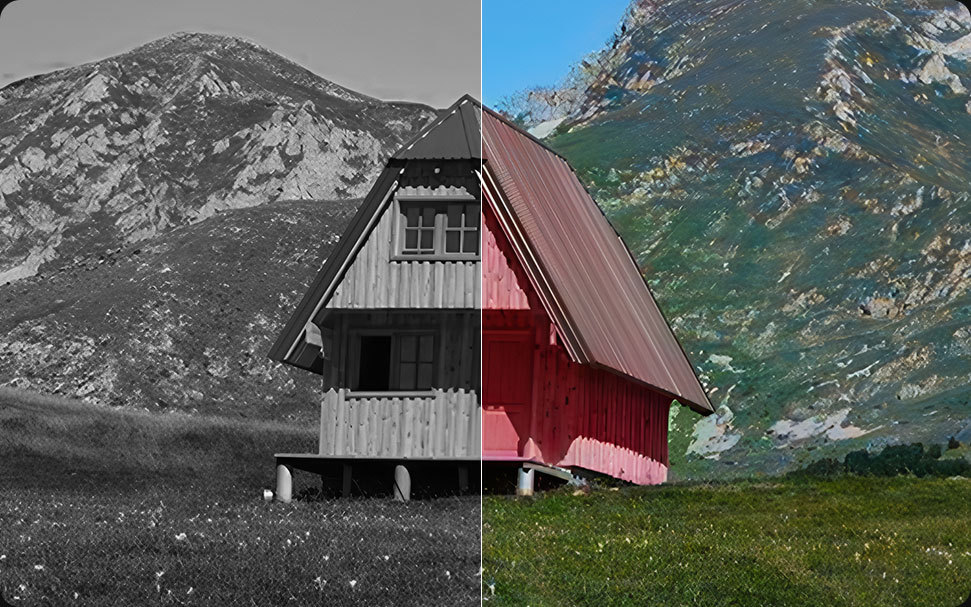
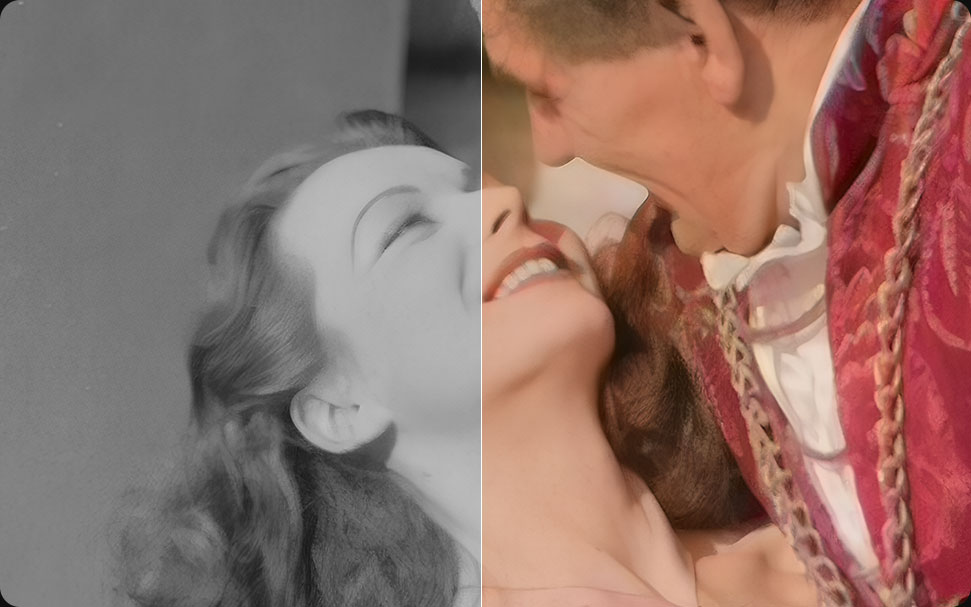
- Rich, natural coloring with true-to-life tones
- Optimized for human skin, BG, and details
- No mismatched hues or over-saturation
Compare with Other AI Tools for Upscaling
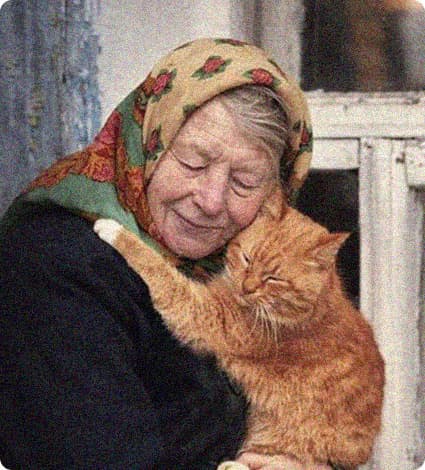
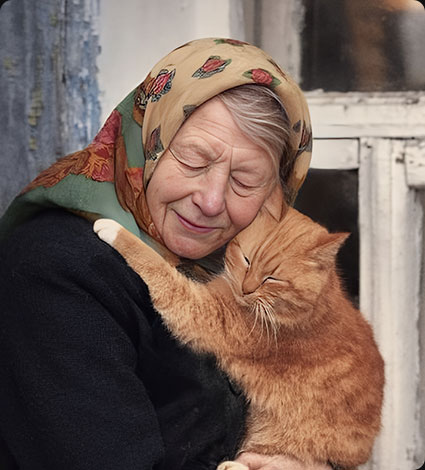
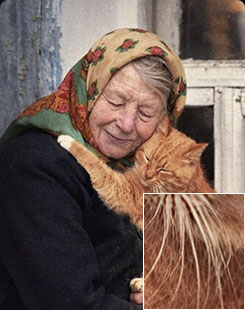
When using other AI tools to upscale old photos and images, issues such as "Incomplete Denoising", "Limited Resolution and Clarity", "Loss of Details" are inevitable. For flawless old image enhancement, VideoProc Converter AI is the solution you need.
Beyond Old Photo Restoration, All-in-one Media Tools
Your memories aren’t just in photos—they live in videos too. Old recordings can be choppy, shaky, noisy, or even unplayable on today’s devices. VideoProc Converter AI fixes them in few clicks— restore, upscale, stabilize shaky motion, clean up frames, remove audio noise, and convert DVDs or old files for smooth playback anywhere. Fast, easy, and reliable.
-

 Restore & UpscaleUsing AI Super Resolution
Turn Blurry, Noisy Videos into Crystal-Clear 4K
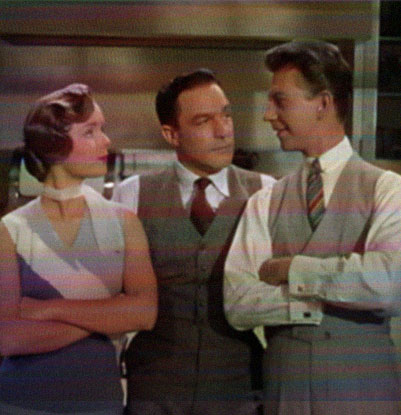
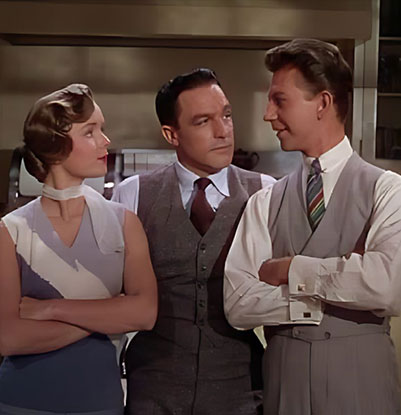
Old videos often look blurry, grainy, or low-res. With VideoProc Converter AI, you can instantly remove noise and blur, recover lost details, and upscale 240p/360p/480p/720p footage to HD or 4K with lifelike texture. It even fixes flickering lines and interlacing. Powered by AI, your grainy clips turn into crisp, vibrant videos that look stunning on today’s screens.
-
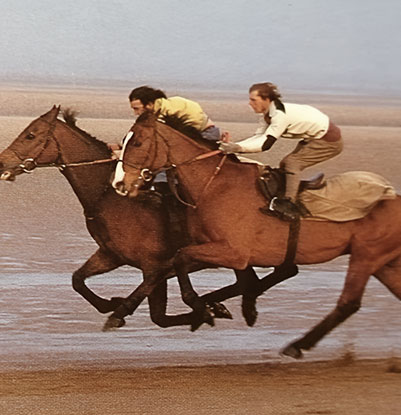
 30 fps120 fpsUsing AI Frame Interpolation
Turn Choppy Playback into Cinematic Flow
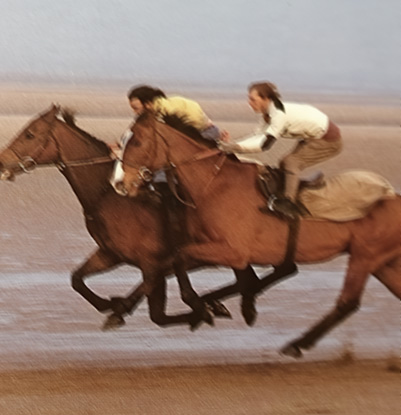
Vintage footage from tapes or early digital cameras often suffers from low frame rates - leading to jerky, unnatural movement. VideoProc uses AI frame interpolation to elevate playback up to 120, 240, or even 480 FPS. Whether you're looking for ultra-fluid motion or epic slow-mo, your video stays sharp, seamless, and artifact-free.
-
 StabilizeUsing AI Stabilization
Turn Shaky Footage into Smooth, Watchable Videos
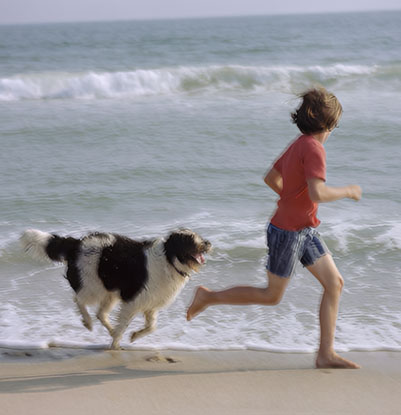
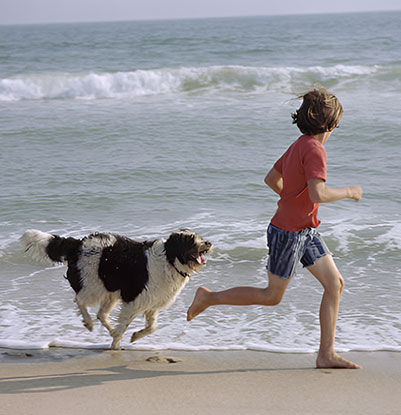
Old handheld footage often comes with unwanted shakes and jitters. With VideoProc’s AI Stabilization, there’s no need to struggle with complicated sliders or guesswork. Just pick a preset or fine-tune elements like shake reduction strength, cropping mode, and border style—your footage will come out steady and professional in minutes.
-
 Remove NoiseUsing Audio AI Or Converter
Clean Up Audio & Fix Format Issues
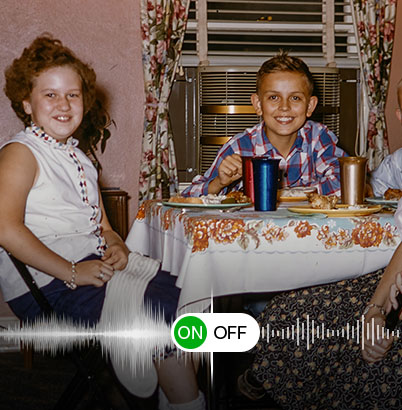
Background hiss, wind noise, or muffled audio can ruin a great moment. Let VideoProc remove unwanted noise, enhance voices, or isolate instrumentals with ease. Meanwhile, outdated file types like VOB, ISO, or AVI can be converted into universally supported formats like MP4, MOV, or MKV—perfect for editing, sharing, or long-term archiving.
The Trusted Solution for All Purposes
-

Personal Collections
For people of all ages with cherished collections of family photos, artwork, or vintage memories. Convert your physical collections into high-quality digital copies to protect them from deterioration and ensure better sharing and preservation.
-

Business Needs
For influencers, marketers, photographers, designers, and freelancers who want to create high-quality visual content. Enhance old photos for branding, product presentations, or customer engagement.
-

Interest and Hobbies
For fans of musicians, actors, athletes, or pop culture icons. Maximize the quality of fan photos, portraits, or special moments to create unique keepsakes or fan-made content.
- "I’ve scanned and digitized my family’s old photo albums using VideoProc, and now I can enjoy them in pristine quality without worrying about fading or damage."
- "I work for a museum, and I use VideoProc to digitize and restore historical photos for our archives, giving them new life with modern clarity."
- "I’ve been restoring and enhancing old concert photos of my favorite K-pop groups with VideoProc—now they look as sharp and vibrant as the day they were taken!"
How to Restore Old Photo with VideoProc Converter AI
-
Step 1Download VideoProc Converter AI
-
Step 2Restore your old photos
Open VideoProc Converter AI and go to the Image AI tab on the home screen → drag and drop your photos, or click + Add Media to import → choose an AI Model under the Super Resolution menu, or adjust the settings (e.g., Face Restoration or Colorize Image) according to your needs.
-
Step 3Export in high-quality
Change the default output format and folder, hit RUN to start exporting.
Main Features of VideoProc Converter AI
- Upscale

- Smoothen

- Stabilize

- Convert

- Quick Edit

- Download

- Record

- Compress

VideoProc Converter AI
One-click to upscale old photos to 200%, 300%, or 400% of the original resolution, reviving faded family portraits, damaged prints, grainy film photos, and blurry vintage images into stunning 10K visuals with a modern touch.
 Free Download