
Enhance Your Downloaded Videos with VideoProc Converter AI
After downloading videos with VideoProc or another tool, you can elevate video quality to the next level with tailored AI models.
Enhance clarity, fix compression artifacts, generate realistic details, and upscale by up to 400% for sharp, natural-looking HD or 4K results. Your one-stop solution to deblur, denoise, reduce compression artifacts, boost resolution and frame rates, stabilize footage, convert and more.


-
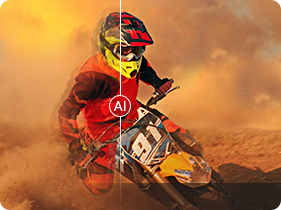
Enhance & Stabilize
-
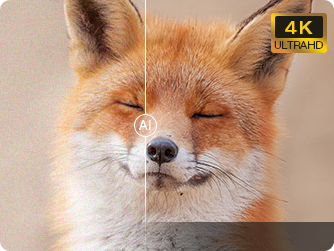
Denoise & Sharpen
-
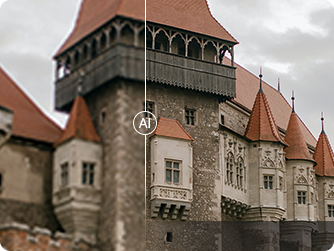
Remove Compression Artifacts
-
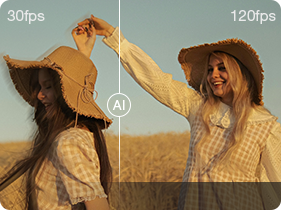
Frame Interpolation
Upscale All Your Downloaded Videos for Unmatched Clarity
-
Upscale Downloads & Streams
– Break Free from Platform Limits and Boost to 4K
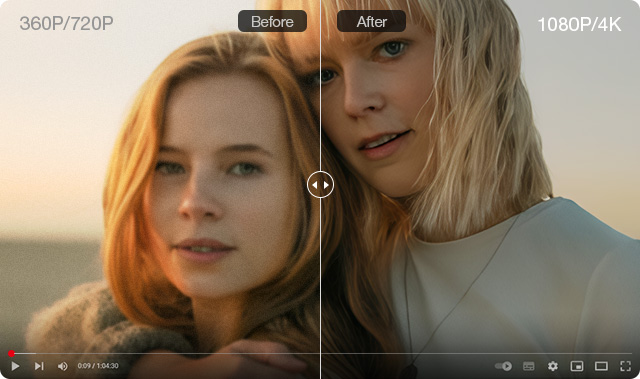
Reverse video platform compression artifacts and encoding distortions. Break free from 720p limits to achieve true HD/4K source quality restoration.
 VideoProc Converter AI
- Upscale compressed videos to HD/4K resolution.
- Ensure playback quality with 240+ codec formats.
- Bypass platform limits to upscale videos by 400%.
- Download videos, audio and subtitles from 1000+ sites.

-
Enhance Sharing Clips & Stories
– Bring Low-Res Downloads to Stunning HD/4K
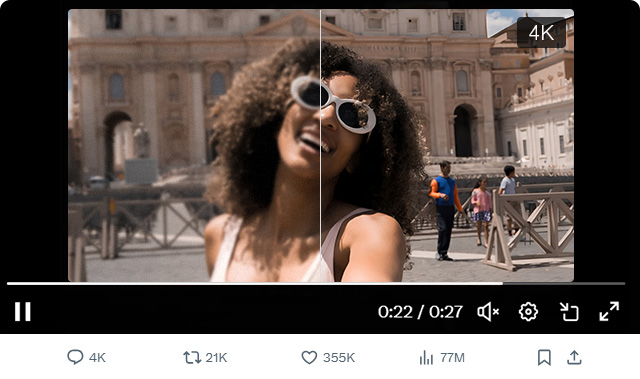
Rebuild authentic details stripped by social media algorithms. Correct blurring/stretching artifacts for crisp large-screen playback.
VideoProc Converter AI- Efficient batch upscale for low-res videos.
- One-click solution, no high-end devices needed.
- Auto-refine aspect ratios for a natural look.
- Batch download videos, streams, playlists in sec.

-
Revive Download Aged Footage
– AI-Powered Restoration for Timeless Moments
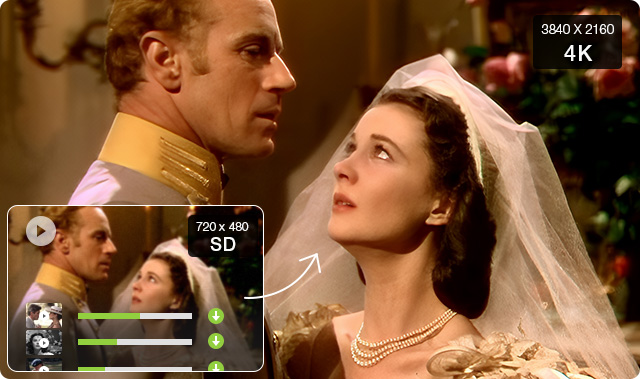
Neutralize grain & noise from aging film stock. Upscale low-res archives with AI-powered clarity enhancement for a cinematic-quality experience, from 360p/480p/720p/1080p to HD and 4K quality.
VideoProc Converter AI- Denoise, deblur, sharpen, upscale with more details.
- Deinterlace videos for smoother, cleaner playback.
- Boost low FPS choppy videos up to 120 fps /240 fps.
- Stabilize jitter. Digitize your DVDs to MP4 in 5 mins.
-
Refine AI-Generated Videos
– Elevate All Your AI Art to Stunning Visual Quality
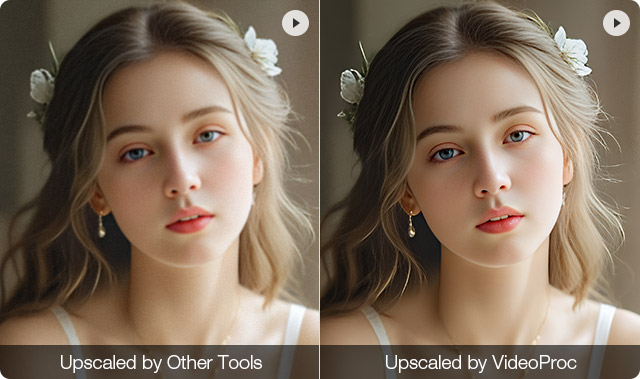
Smooth artifact-ridden edges and unify inconsistent textures in AI videos. Achieve distortion-free 4K upscaling effortlessly beyond tool limitations.
VideoProc Converter AI- Reduce AI-generated noise for a smoother look.
- Enhance textures and edges for a professional finish.
- Generate realistic details while boosting resolution.
- Enjoy 40%–80% faster AI video upscaling speed.

Unlock the Full Potential of Your Downloaded Videos
The AI Super Resolution feature in VideoProc can faithfully restore and enhance the quality of downloaded videos, upgrading low-res content to HD/4K quality. Perfect for recreation, educational projects, and fan concert footage enhancement.
-
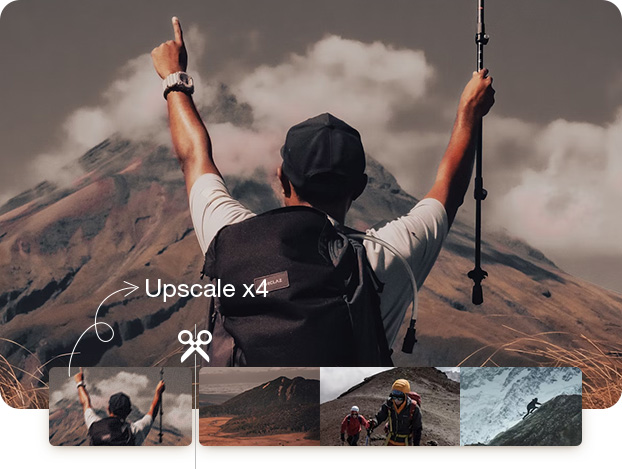
Enhance Downloaded Videos for Recreation
Transform low-res stock footage into HD/4K stunning quality, preserve critical details and enhance visual impact to meet recreation demands.
 Tailored For: [Content Creators] [Video Editors]
 -
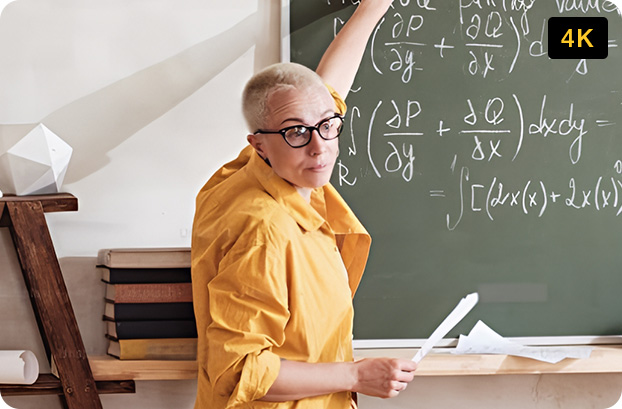
Clarify Downloads for Educational Purposes
One-click deblur & denoise for low-quality educational videos, bringing out the text, numbers, and fine details on screen with crystal clarity to improve learning efficiency.
 Tailored For: [Educators and Teachers] [Students]
-
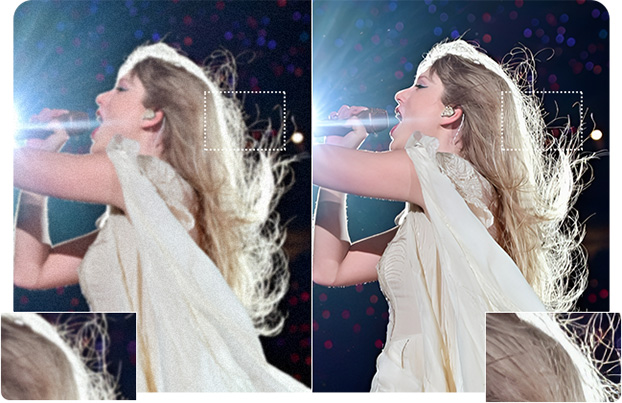
Refine Downloaded Fan-Captured Footage
AI-driven 4x upscale downloaded fan-captured footage, preserving every micro-expression and idol detail for a cinematic, immersive reliving of time-capsule moments.
 Tailored For: [Idol Fans] [Social Media Vloggers]


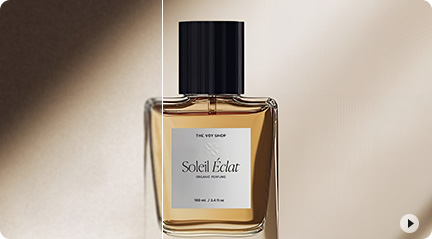
Turn Blurry Product Videos into Sales Boosters
Batch transform downloaded product videos into crystal-clear showcases - AI-powered resolution optimization and detail preservation to boost buyer engagement and e-commerce conversions.



How to Quick Enhance Videos with VideoProc Converter AI
Click the Super Resolution icon on the main interface
Step 2. Import & UpscaleClick +Video to import videos, and choose an Al model, upscale videos
Step 3. ExportFind the right format to export the enhanced videos
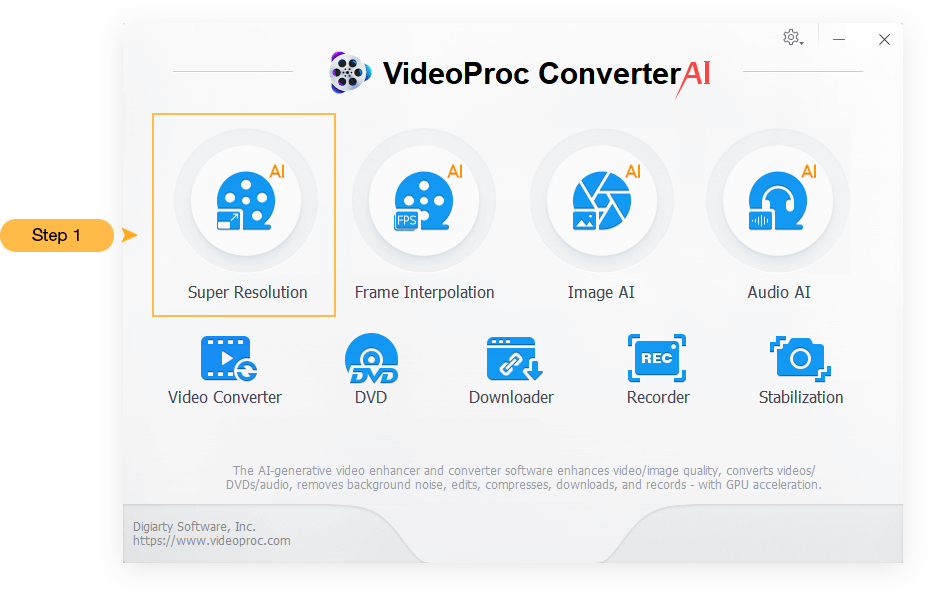
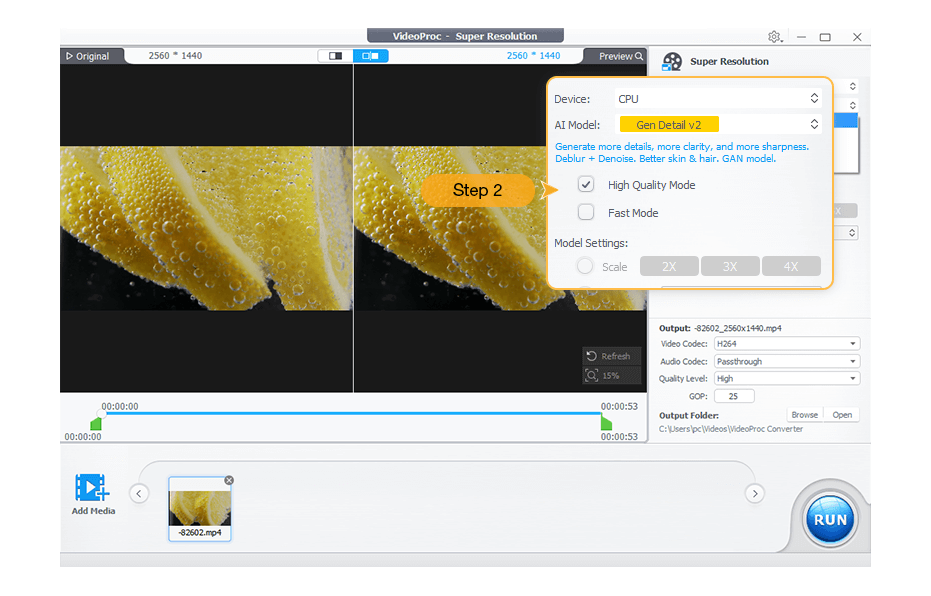
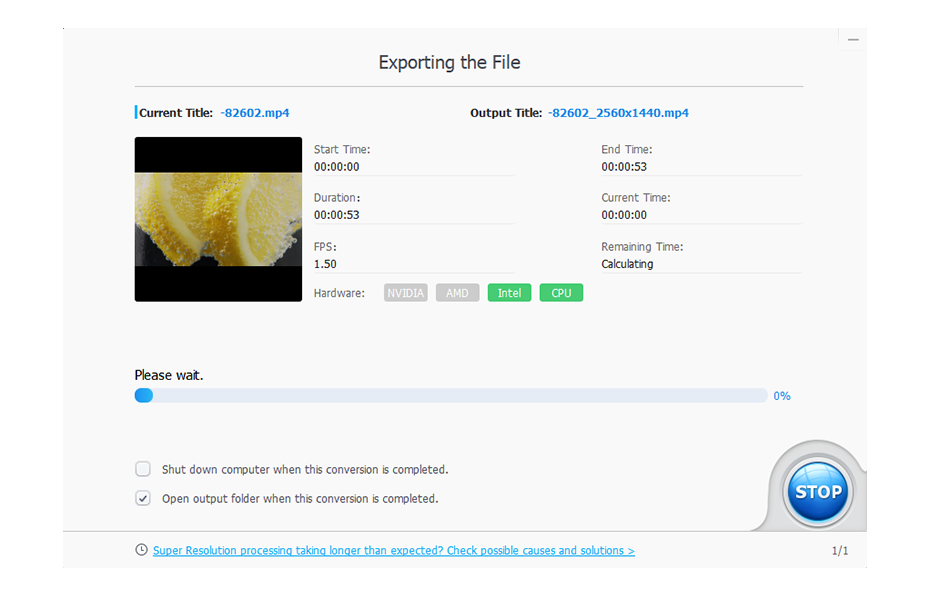
If you are seeking further tutorials, Check here.
Recommended by Major Tech Media

With VideoProc Converter AI, you can effortlessly elevate your old, blurry, low-resolution footage. This robust AI video upscaler enhances resolution, boosts frame rates, reduces blurs and noise, smooths out interlacing artifacts, and refines color rendition, producing videos of significantly higher quality.

With so many tools to take advantage of, combined with AI image improvements that compare to the best alternatives, VideoProc Converter AI has lots to commend. If you're looking for software to convert your archive footage and photographs into sharp, vibrant 4K images, VideoProc Converter AI comes highly recommended.
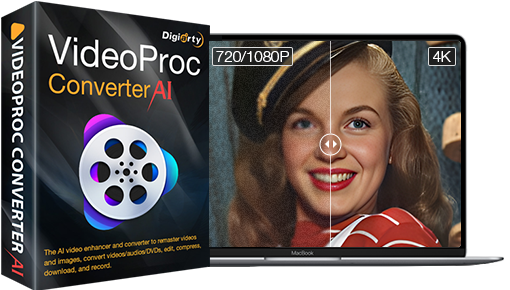
VideoProc Converter AI
One click to upscale downloaded videos by 400%, transforming classic MVs, vintage DVD/VHS/DV recordings, old camera footage, and archival documentaries into stunning HD/4K with more natural visuals
 Free Download


Low-quality source materials reduce audience retention by 38% on repurposed content. Our tests show 4K-enhanced downloads increase social shares by 2.7x." – Digital Media Lab, UCLA 2023 Benchmark Report
Students demonstrated 19% higher concept retention when lecture videos were enhanced beyond 1080p with noise reduction. – Dr. Emily Torres, EdTech Research Center
Upscaling K-pop fancams to 4K has enhanced the viewing experience for my audience and helped my edits gain over 450k+ views on TikTok. The eyeliner details matter! – @Chloe_Editz | Pop Content Creator