
Restore & Enhance Old Videos with VideoProc Converter AI
Powered by advanced AI, VideoProc Converter AI breathes new life into your old videos from VHS tapes, DVDs, GoPro, Canon/Sony camcorders, and early phones. Instantly restore, enhance, and upscale footage from 360p/480p/720p to crisp HD or stunning 4K. In just a few clicks, fix noise, motion blur, shaky footage, and muffled audio. Bonus: also restores photos/images up to 4K/8K/10K quality.



Effectively Restore & Upscale Old Footages to HD/4K
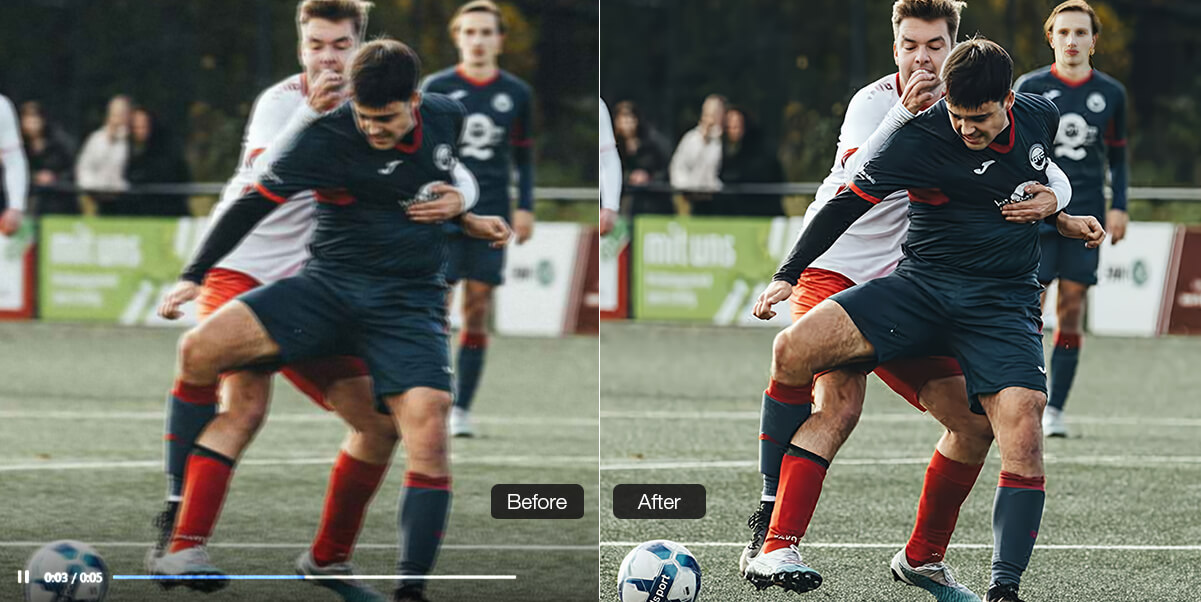
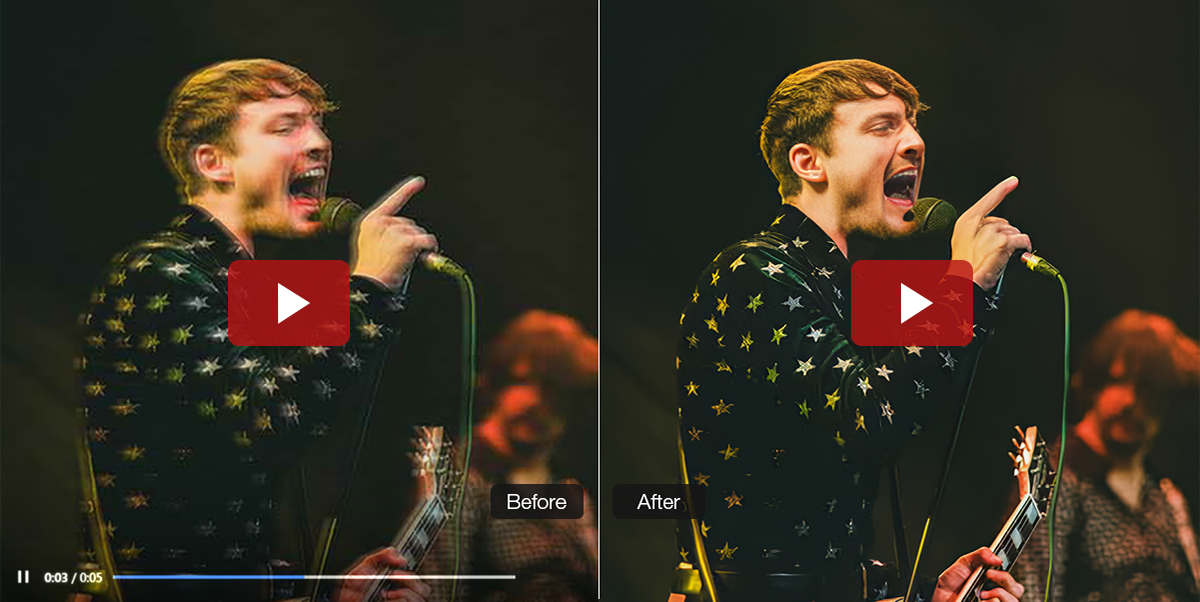
Old videos often look blurry, noisy, or low-res, and miss details, but they hold some of life's most precious moments. Whether you're reliving family moments or restoring vintage footage for a project, AI Super Resolution in VideoProc Converter AI upgrades every frame with more clarity, detail, and realism.
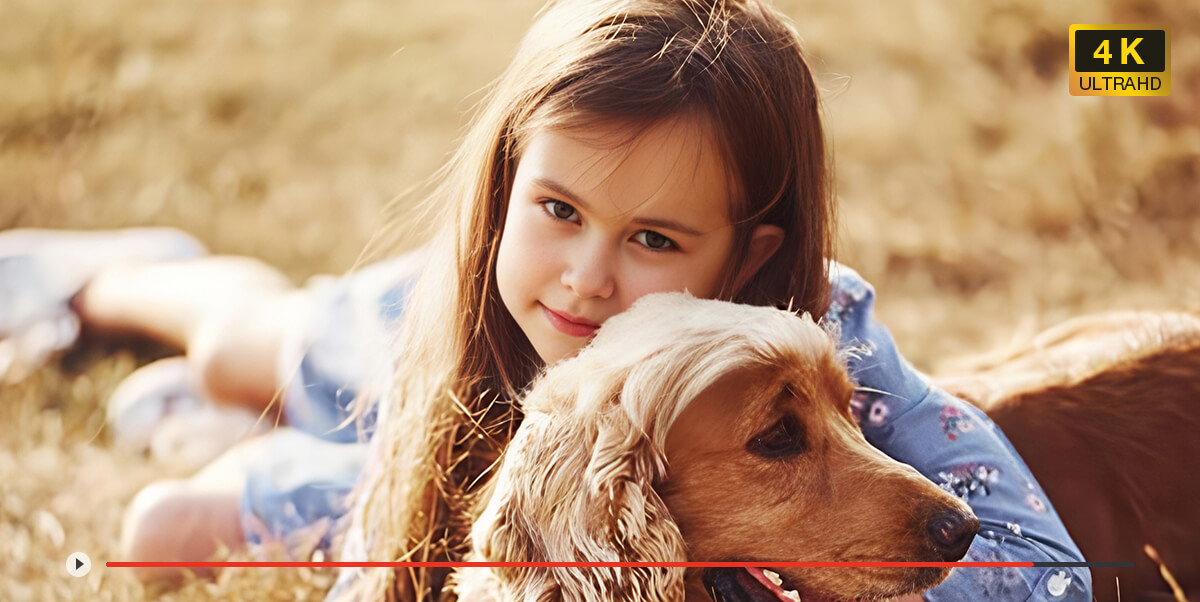
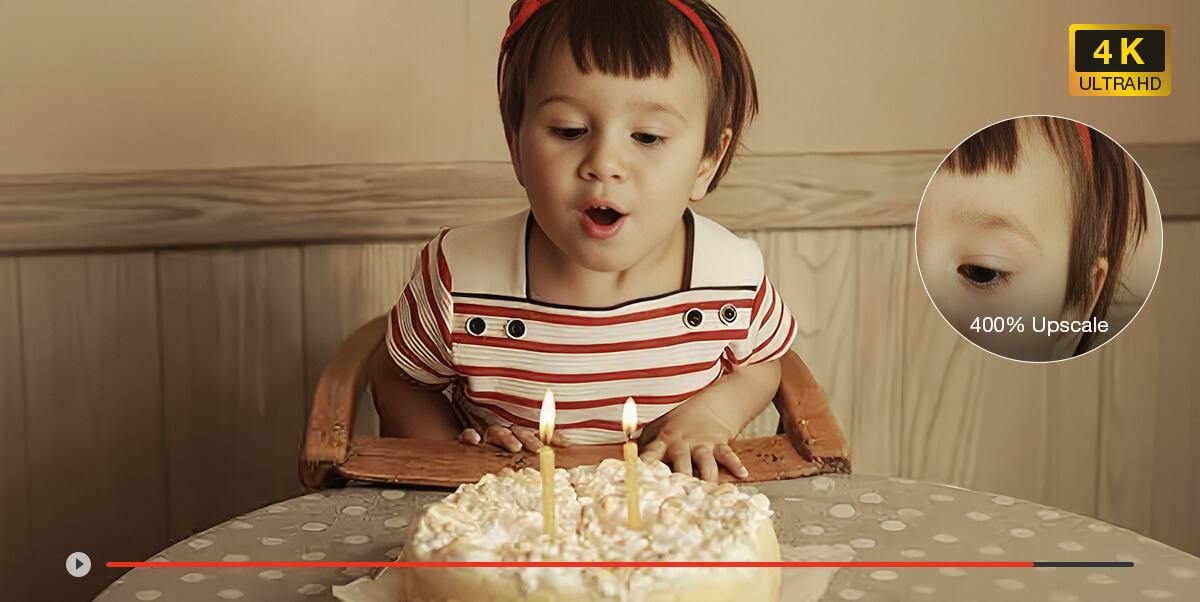
- Family Memories
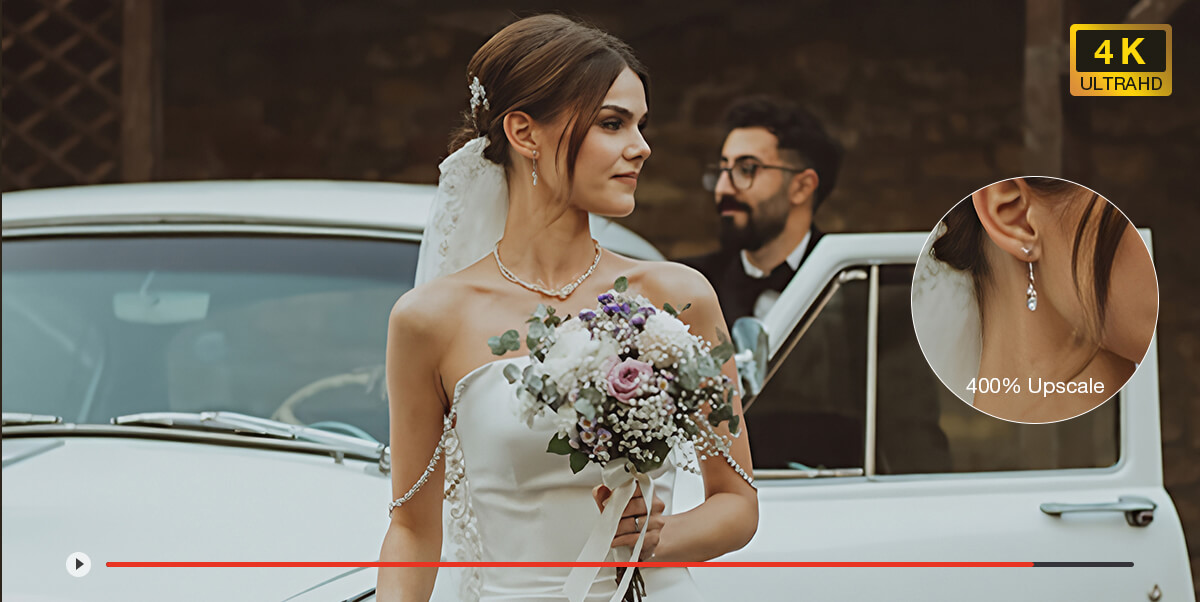
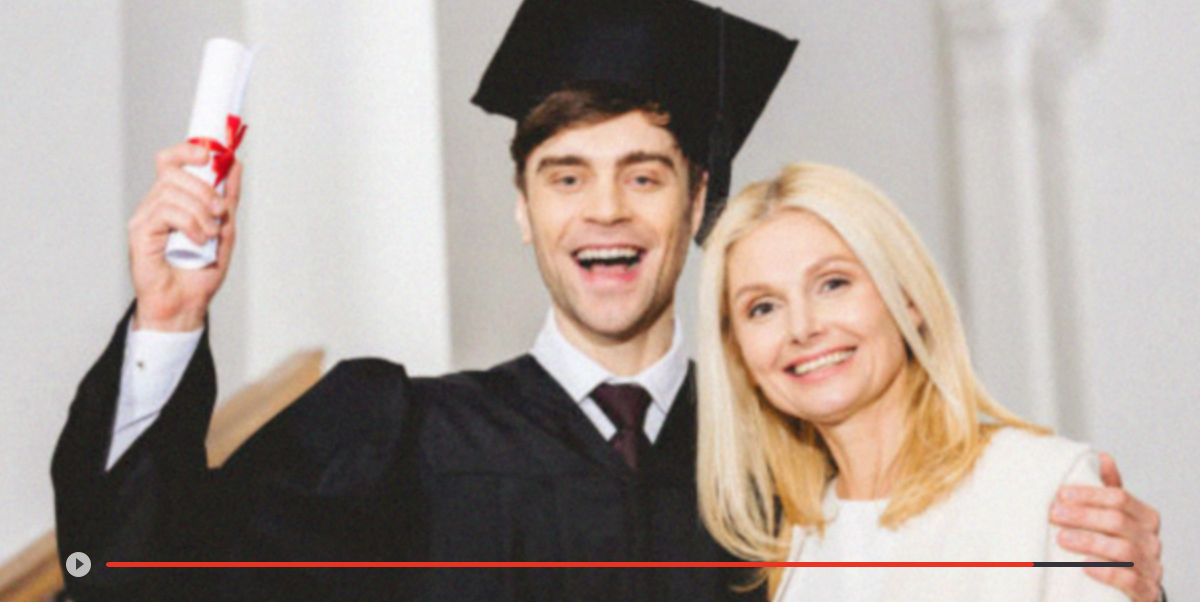
- Milestone Events
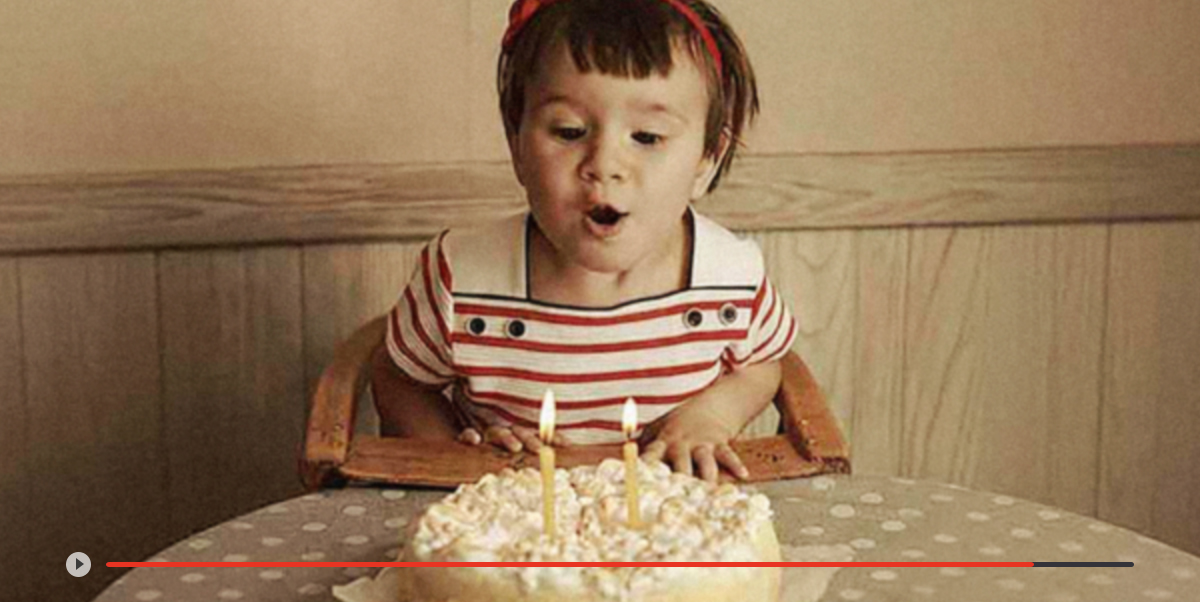
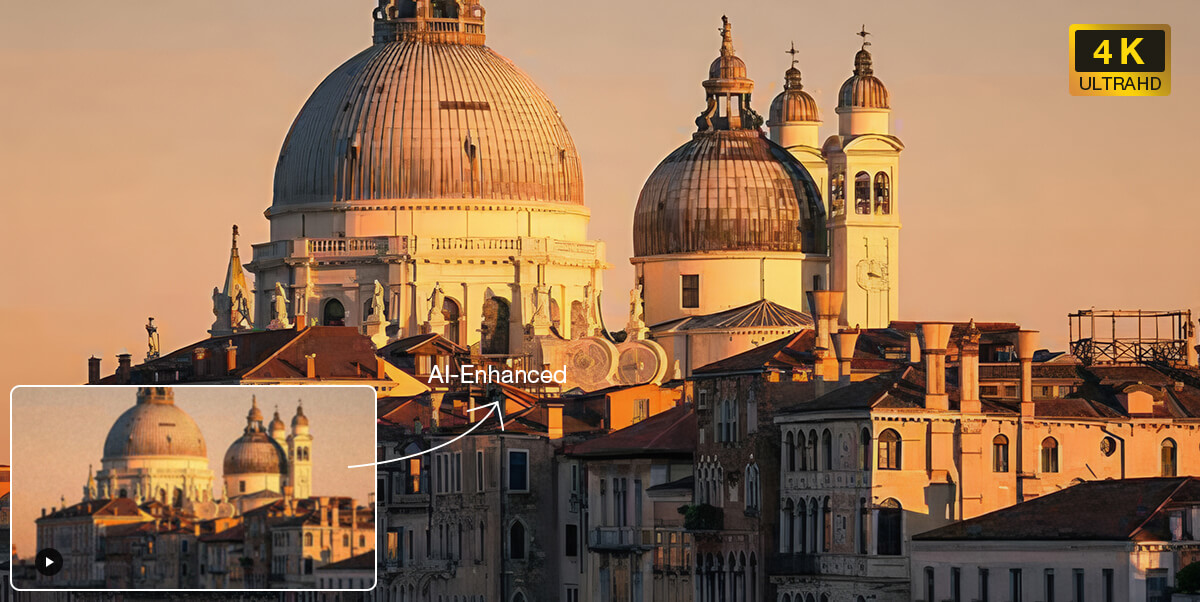
- Classic Films/Archive
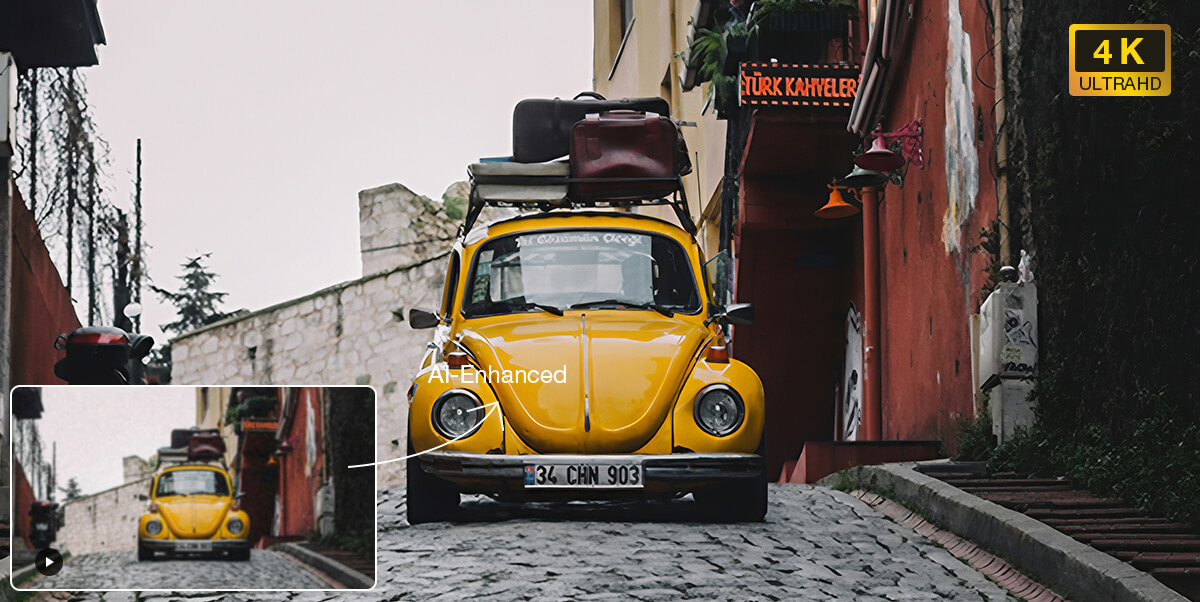
- Old Social Media Clip
Revive family moments, travel and pet videos. Perfect for upscaling VHS, DVD, 8mm tape, MiniDV, and early phone/camera footage.
From a child's first steps to weddings and graduations, restore these precious memories with the stunning quality they truly deserve.
Bring your collections of old movies, documentaries, and rare historic tapes back to life. Preserve these timeless treasures in high-definition.
Give your old YouTube or Facebook uploads a second life. Great for FLV, 3GP, low-bitrate MP4, and other compressed formats.
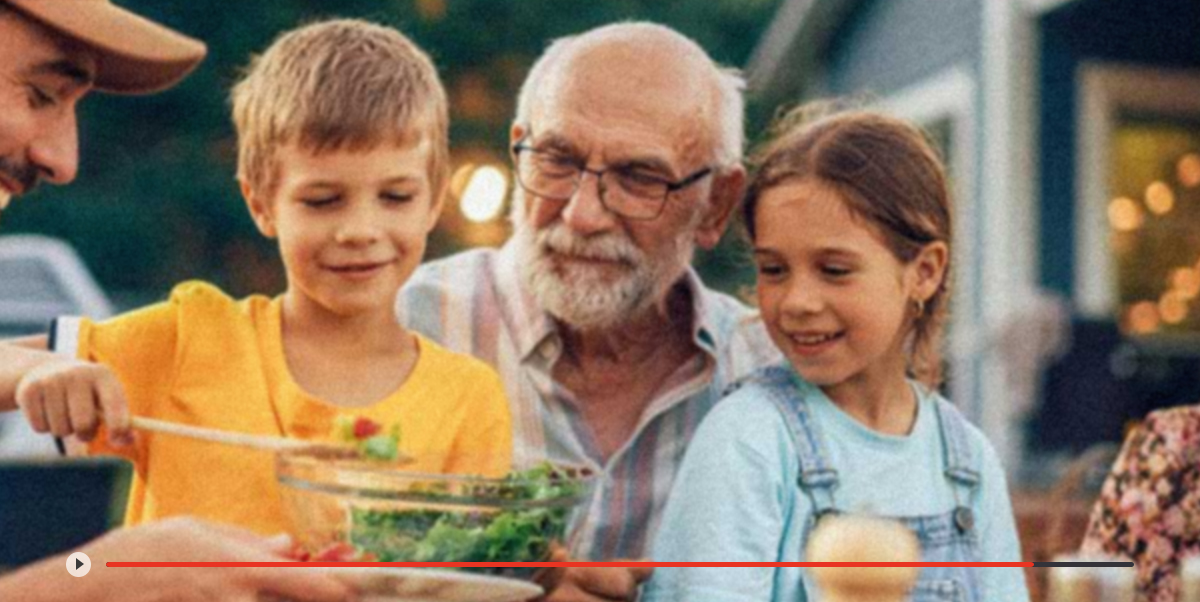
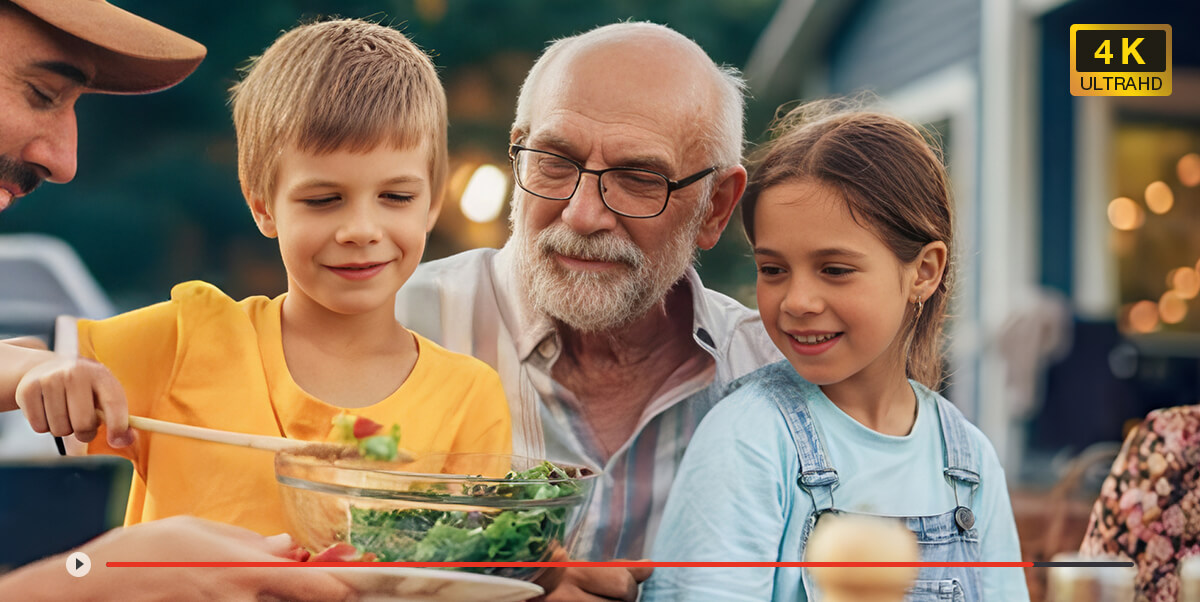

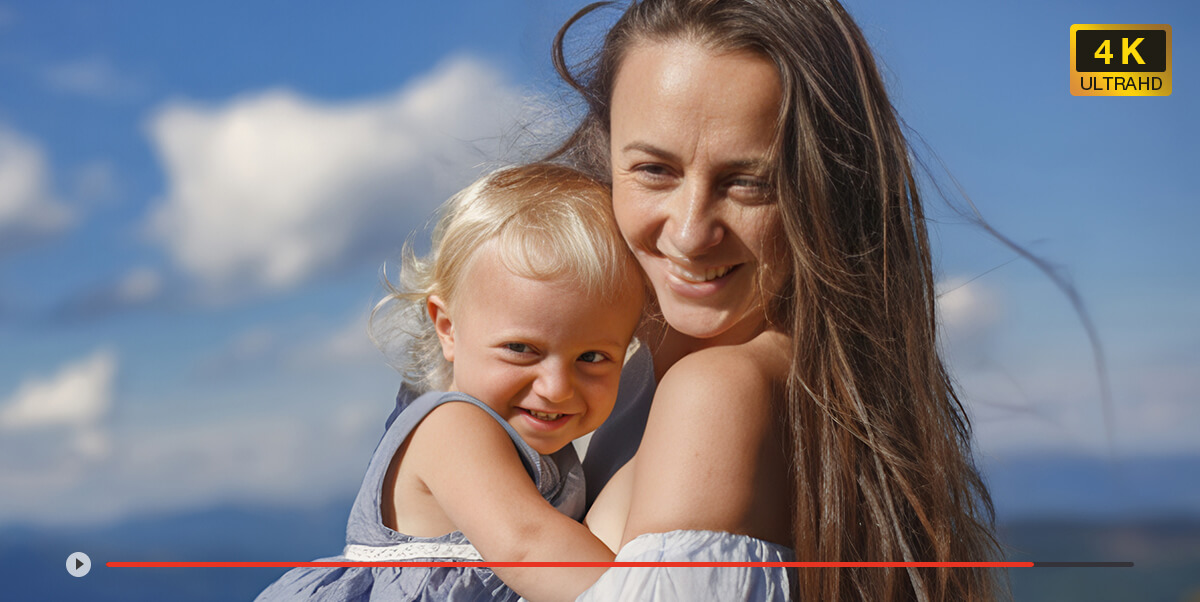

-
VideoProc Converter AI
Upscale 240p/360p/480p/720p to HD/4K by 2x, 3x, or 4x with natural textures.
Remove noise, grain, and blur to restore clearer visuals and generate realistic details.
Digitize old DVDs to modern MP4/MKV, and deinterlace to eliminate jagged lines.
Experience 40%-80% faster video upscaling with latest V3 models and zero artifacts.
-
VideoProc Converter AI
Denoise, deblur, sharpen and recover blurry details for clearer visuals.
Upscale 360p/480p/720p to HD, 720p/HD to 4K, perfect for big-screen.
Enhance low-light videos: fix grainy footage and restore missing details.
Save time with batch processing, enhance multiple videos in one go.
-
VideoProc Converter AI
Digitize DVDs into MP4 with Converter, upscale even 480p/720p to HD/4K.
Reduce artifacts, flickering, blur, and pixelation to enhance clarity.
Auto-sync audio and video for better playback with Converter.
Ideal for restoring DVD/VHS content and other legacy video collections.
-
VideoProc Converter AI
Remove compression artifacts and recover visual detail.
Remove noise, grain, and blur with better details.
Upscale 320p/720p to HD/4K for modern screens and platforms.
Bath process. Export in modern formats for reposting or reuse.
All-in-One AI Toolkit to Fully Restore Old Videos
Old videos often look choppy, shaky, or fail to play properly on modern devices. VideoProc Converter AI utilizes advanced models to smooth motion, reduce camera shakes, eliminate background noise, and convert legacy formats for flawless playback anywhere, quickly and easily
-

 Deinterlaced
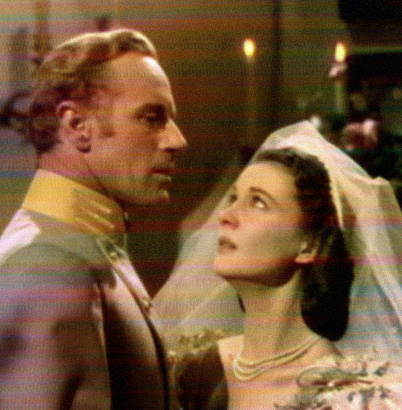
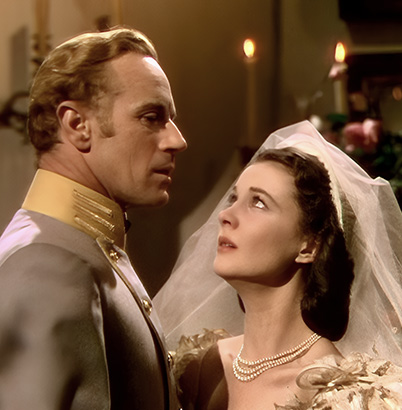
Convert Interlaced Videos to Modern Quality
with Deinterlace in AI Super ResolutionFrustrated by flickering horizontal lines on old DVDs or 1080i videos? VideoProc removes interlacing lines with a single click, restoring a clean, modern look while upscaling your footage to 4K.
-


 30 fps120 fps
Boost Low-FPS Videos for Smooth Playback
with AI Frame InterpolationOld videos from DVDs, VHS, or old camcorders often run at low frame rates like 17 or 24 FPS. VideoProc boosts FPS up to 480 FPS, delivering fluid, cinematic movement or stunning 20x slow-motion with no glitches or artifacts.
-


 Stabilized
Fix Shaky Old Videos or Footages
with AI StabilizationEasily stabilize shaky old videos filmed on vintage camcorders, early phones, or GoPros. No complex settings needed. The intelligent AI simplifies everything to deliver steady, professional-looking footage effortlessly.
-
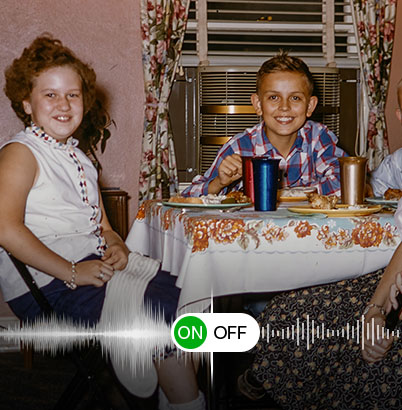
 Remove Noise
Everything That Matters When Restoring Old Videos
From dedicated AI models and full GPU acceleration to broad format support and an all-in-one workflow,
VideoProc is built to restore old memories naturally, efficiently, and with less effort.
30+ AI Models for Different Footage
Gen Detail V3 restores rich textures and sharpens fine details, Real Smooth V3 repairs noisy or imperfect footage with natural clarity, and Anime upscales low-resolution anime videos while preserving clean lines and its original style.
Natural Detail Restoration
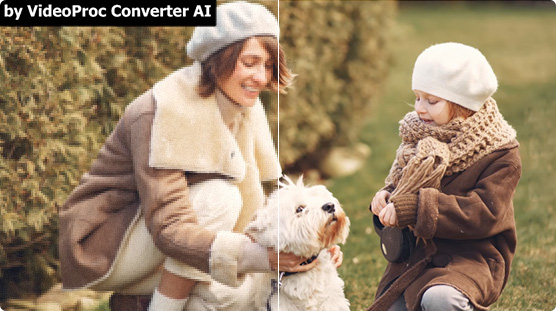
Recover sharper details while keeping faces, textures, and colors natural. Minimize AI artifacts and preserve original colors for restoration that stays true to your memories.
GPU-Accelerated & Batch AI Processing
Powered by NVIDIA, AMD, and Intel GPUs to restore videos faster. Batch processing makes it easy to restore an entire video collection with minimal effort.
Support for Legacy Video Sources
Restore videos from VHS tapes, DVDs, MiniDV camcorder footage, old phone videos, and other aging or low-quality recordings—all in one place.
Restore & Edit in One Workflow
Restore, convert, compress, and archive your videos without switching tools. Keep your memories ready to store, share, and enjoy for years to come.
The Trusted Solution for All Purposes
-

Personal Collections
For anyone with cherished collections of home videos, vintage VHS, or family DVDs. VideoProc Converter AI digitizes your DVDs into MP4 or MKV (420+ formats) and upscales them to stunning 1080p/4K, preserving your memories in crystal clarity.
-

Business Needs
For YouTubers, influencers, photographers, and marketers who need cleaner, sharper content. Upscale low-resolution clips, stabilize shaky footage, and reduce background noise to improve product videos, brand visuals, and audience engagement.
-

Interests and Hobbies
For fans of K-pop idols, athletes, and singers wanting to upgrade classic concerts, fan cams, or highlight reels. Easily smooth out motion, reduce noise, and upscale classic clips to 4K to create standout content that does your favorites justice.
- "I had some old videos my mom filmed as a kid in the early '60s that we’d put on DVD years ago. I saved them to my PC, and this Christmas, I used VideoProc to smooth them out (they were 17fps, so I doubled it to 34fps) and upscaled them to 4K. Gave them to my mom as a gift—she loved it"
- "I love the interpolation feature in this software. It's GREAT for older videos. I mentioned below that I took some footage from the early 1960's and brought that footage from 17fps to 34fps. That was the 2x option and there's also a 3x and 4x option but in this case, I just used 2x. It's great. Then I upscaled them. It's really neat."
- "I was excited to see the Mac update to v7 with AI support today! I tried it quickly on my M4 Mac mini with a 3-minute black & white 1960s video (1440x900) and got 7fps using the AI upscale. It might run faster with tweaks, but I just wanted to say thanks—I didn’t expect the AI update so soon, and I’m really happy!"
How to Restore Old Videos and Upscale to 4K with VideoProc
-
Step 1Download VideoProc Converter AI
-
Step 2Restore and upscale your old videos
Hit Super Resolution, then import your videos. Select an AI model (Gen Detail v3 or Real Smooth v3 are recommended). Set your target resolution, and enable Deinterlacing if your video has interlacing lines.
-
Step 3Export the restored old video
Adjust the output format as needed, then click RUN to start restoring and exporting the enhanced video.
VideoProc Converter AI Main Features
- Upscale

- Smoothen

- Stabilize

- Convert

- Quick Edit

- Download

- Record

- Compress

VideoProc Converter AI
One-click to upscale old photos/images to even 4K/8K/10K resolution, revive classic MVs, vintage DVD/VHS/DV recordings, antiquated camera footage, and archival documentaries to up to 4K with a contemporary aesthetic.
 Free Download